 ClickandDown
The simplest way to
download 4K video
Paste a link, pick a quality, download — right in your browser, or with the free desktop app for 4K/8K, all formats and unlimited downloads. Your first 20 downloads are free — a one-time lifetime trial.
See Pricing20 free downloads — one-time lifetime trial — no credit card required
From link to timeline
Most downloaders stop the moment the file lands. ClickandDown keeps going — convert it, organise it, get your team's notes on the exact seconds, and drop those moments straight into Premiere Pro.
Max resolution
Supported sites
Free downloads to start
Platforms covered
4K & 8K
The highest quality the source offers, with video and audio merged back together automatically.
100+ platforms
YouTube, Instagram, TikTok, Facebook, LinkedIn, X, Vimeo and hundreds more.
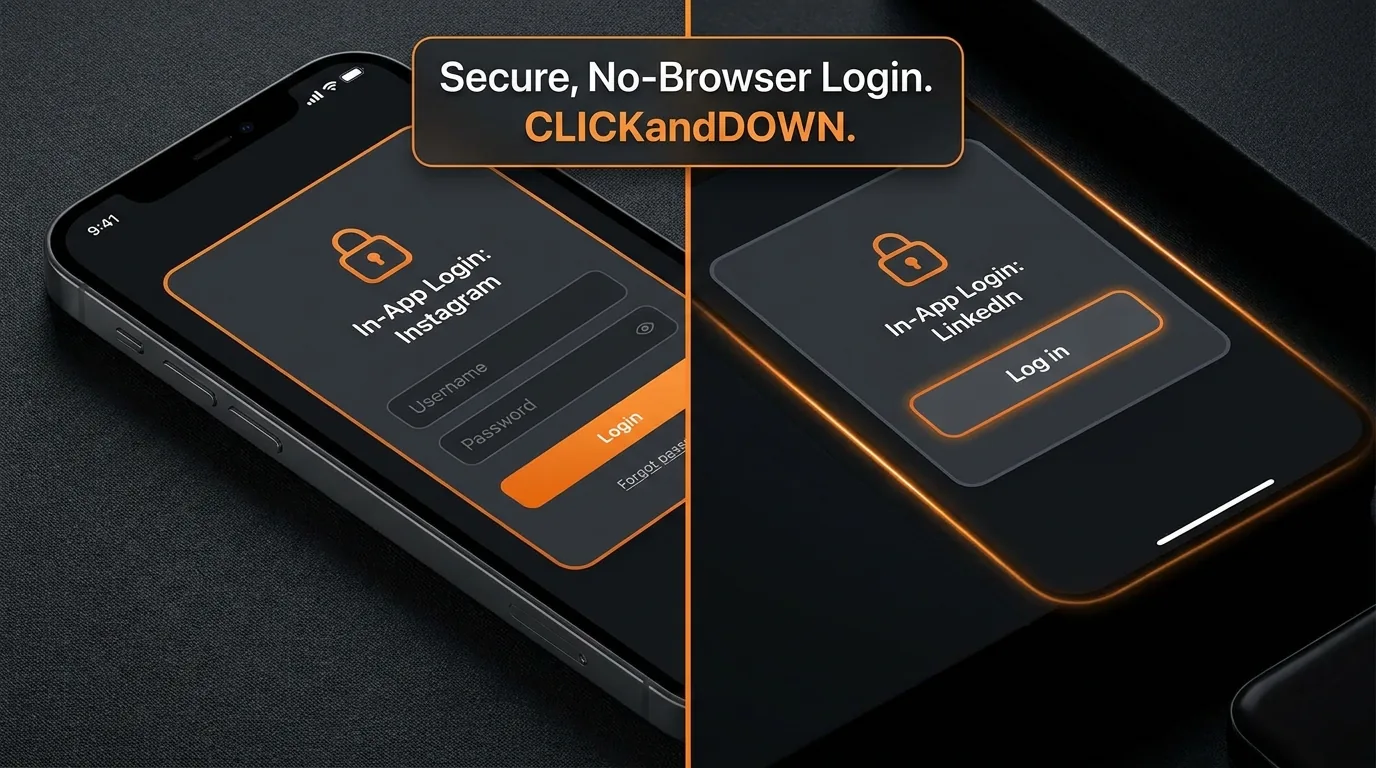
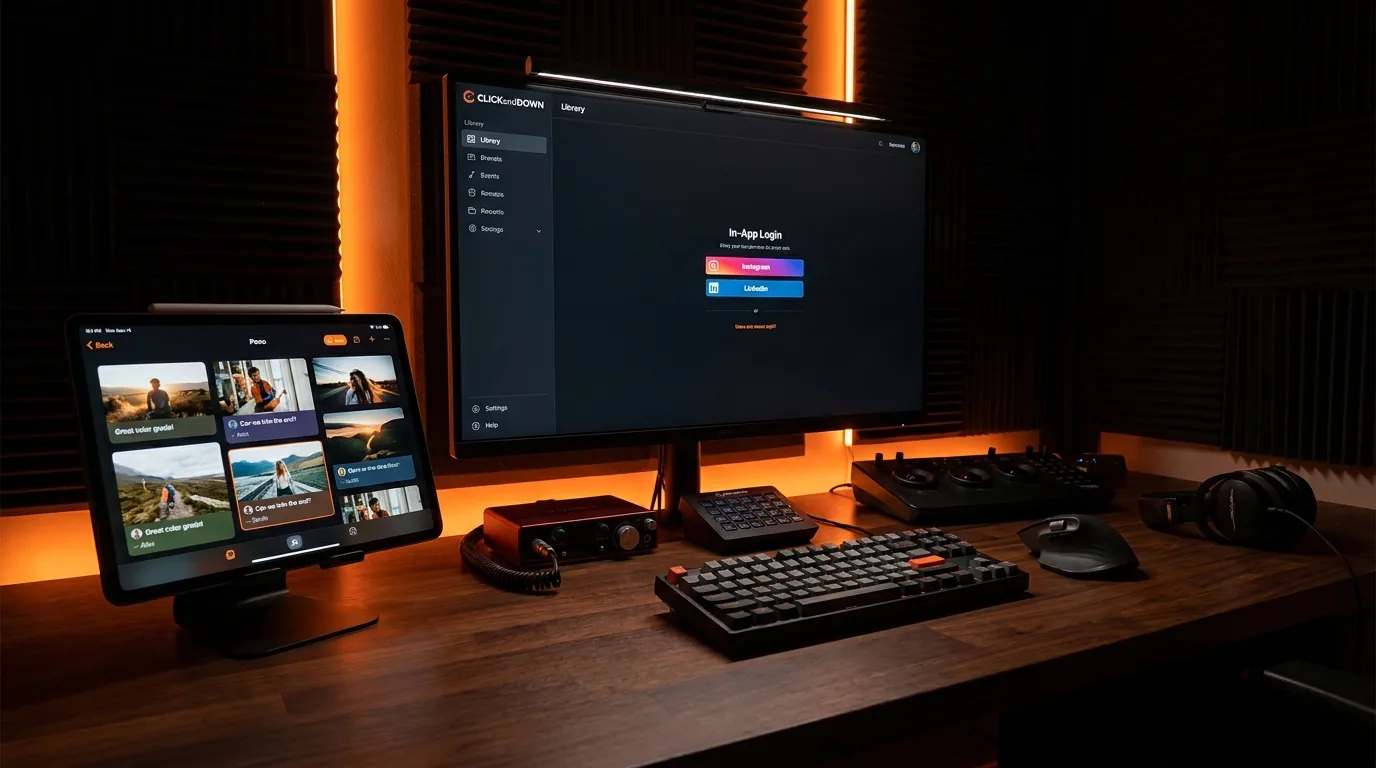
Sign in inside the app
Private Instagram or Facebook posts? Log in in our own window — no browser juggling.
Playlists, your pick
Open a playlist and tick only the videos you actually want. No all-or-nothing.
Audio only
Pull just the soundtrack as MP3, WAV, FLAC, AAC or OGG when you don't need picture.
Proxy support
Bring your own HTTP or SOCKS proxy for locked-down office networks and region blocks.
Works offline
The whole interface ships inside the app. On a plane with no signal, nothing falls apart.
Every device
Windows, macOS, Android, iPhone and the browser — one account, one library.
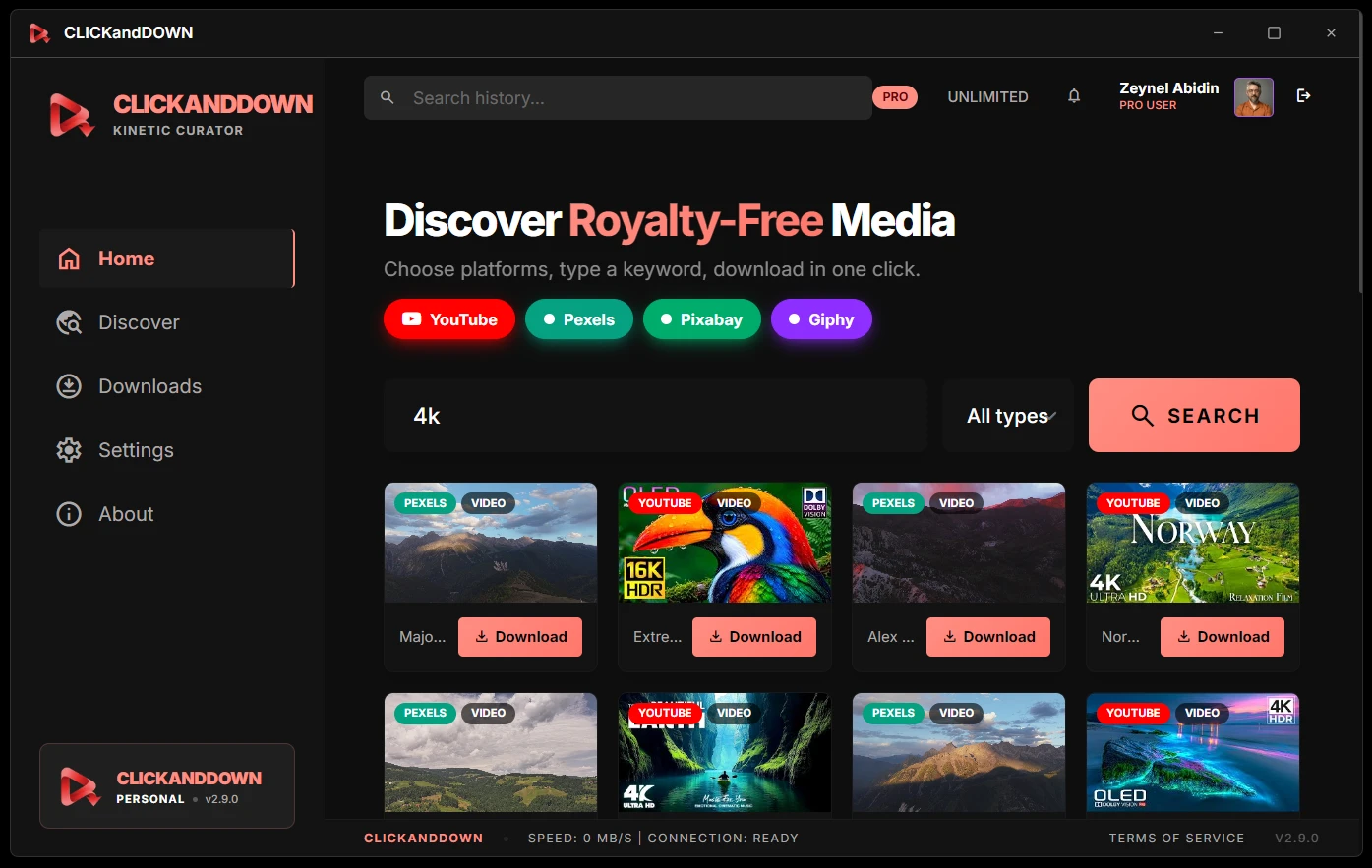
Search first, download second
The Discover tab searches royalty-free libraries and YouTube from inside the app, so you are not hopping between eight browser tabs looking for one shot of a coastline.
- check_circleRoyalty-free by default. Pexels, Pixabay and Giphy — video, stills and GIFs you are allowed to use.
- check_circleYouTube search built in, with no API key and no sign-up.
- check_circleWatch before you commit. Click any result and it plays right there.
- check_circleFilter by source and type — toggle platforms on and off, or narrow to video, GIF or photo.
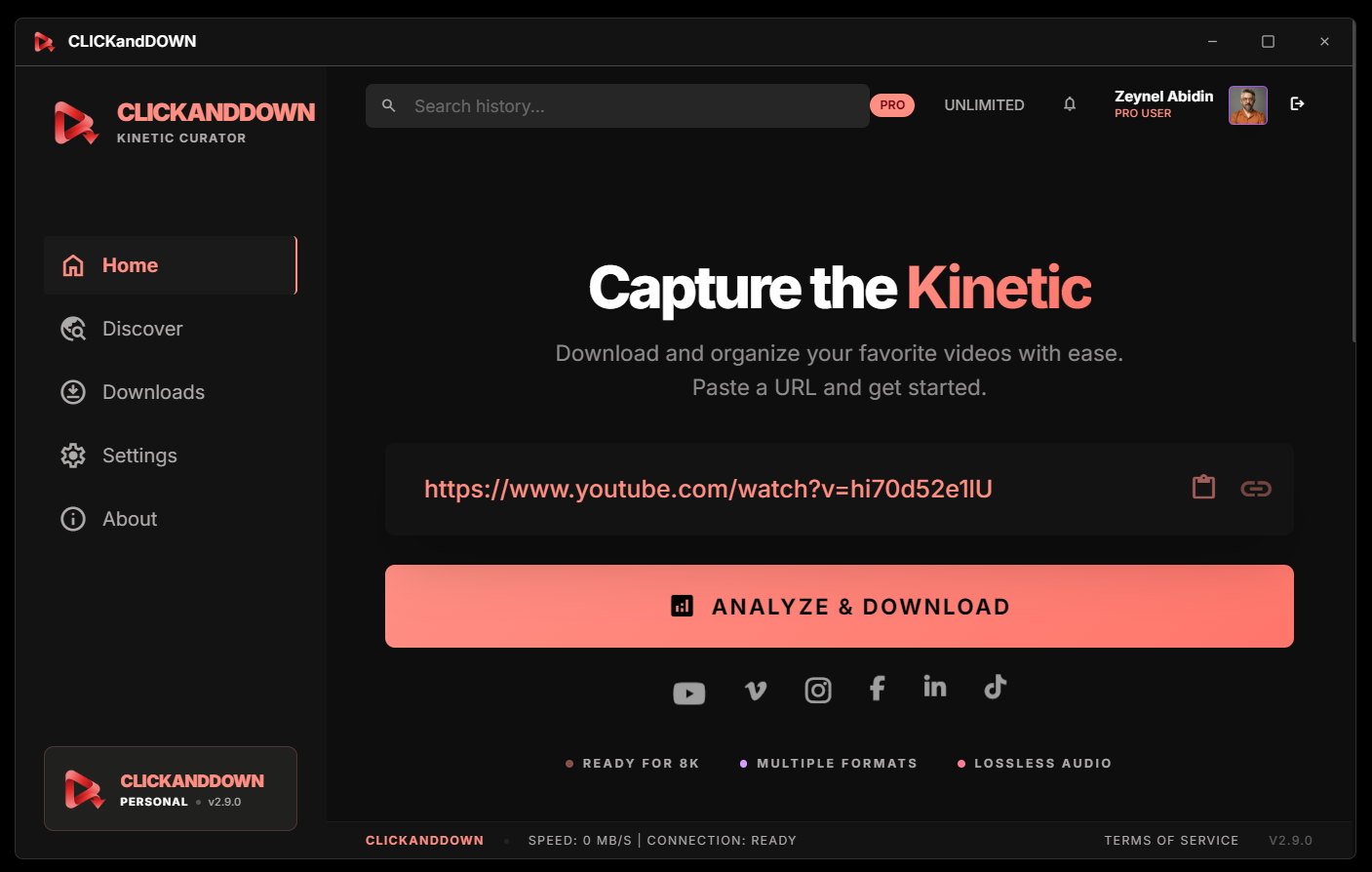
Paste a link. Pick a quality. Done.
Every available resolution and format is listed for you — including the 4K and 8K streams other tools quietly skip because they cannot merge the separate video and audio tracks back together.
- check_circleLocked posts, handled. Instagram, Facebook, LinkedIn and X let you sign in through a window inside the app. Your browser can stay closed.
- check_circleAge-restricted YouTube opens without an account in most cases.
- check_circleWhole playlists — or just the four clips out of forty that you need.
- check_circleClear answers when something fails. If a platform blocks a video, the app says why and what to do about it.
A real converter, not an afterthought
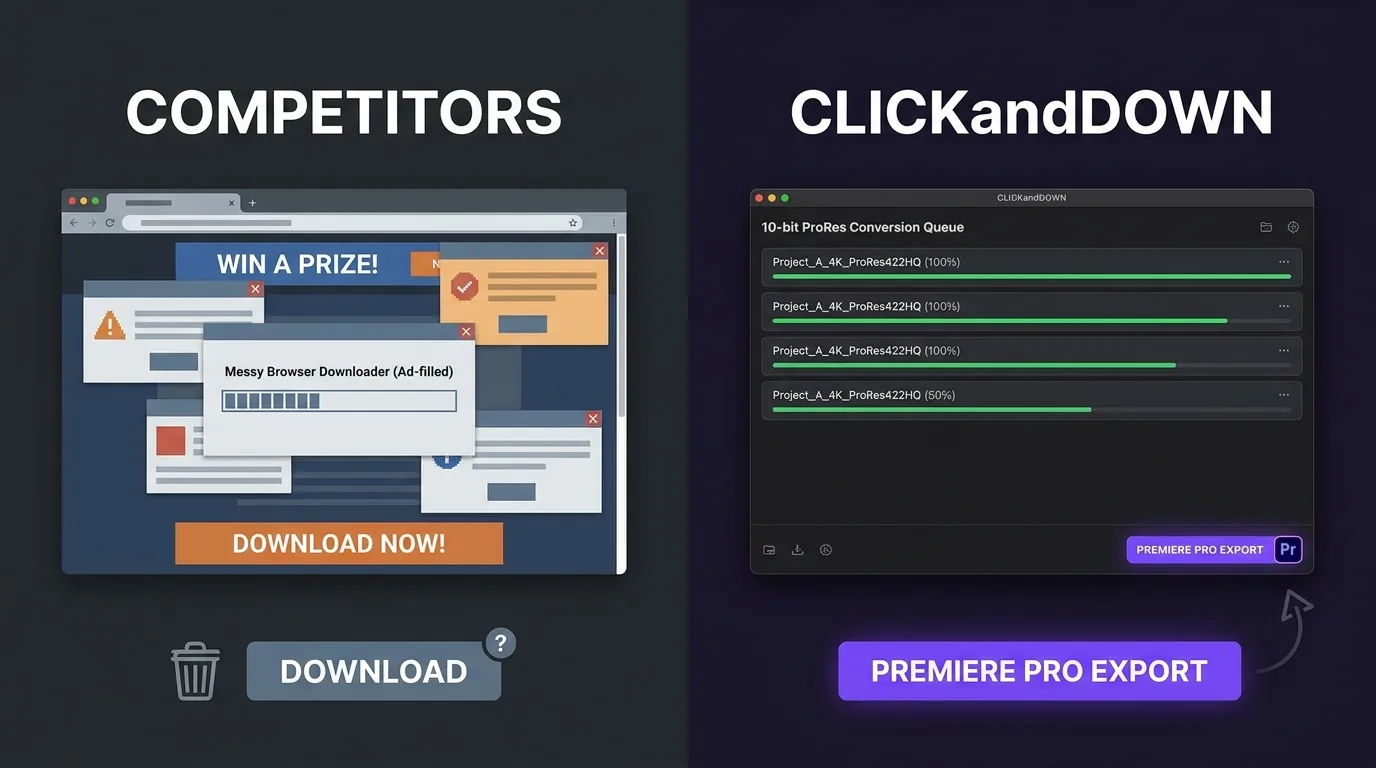
Drone and phone footage arrives as H.265, which most editing software chews through slowly or refuses outright. Drop the files in, pick ProRes, and get an edit-ready master. People buy separate software for this.
Before anything happens, the app reads each file and shows you what it actually is — codec, resolution, frame rate, bitrate — instead of making you guess.
Video out
ProRes (6 profiles, up to 10-bit 4444), H.264, H.265, VP9 / WebM and GIF.
Audio out
MP3, WAV, AAC, FLAC and OGG, at the bitrate you choose.
Frame rate & slow motion
Change the frame rate, and switch on optical-flow interpolation to invent the in-between frames.
A queue that behaves
Pause, resume, stop one file, or drop new files in while it is still running.
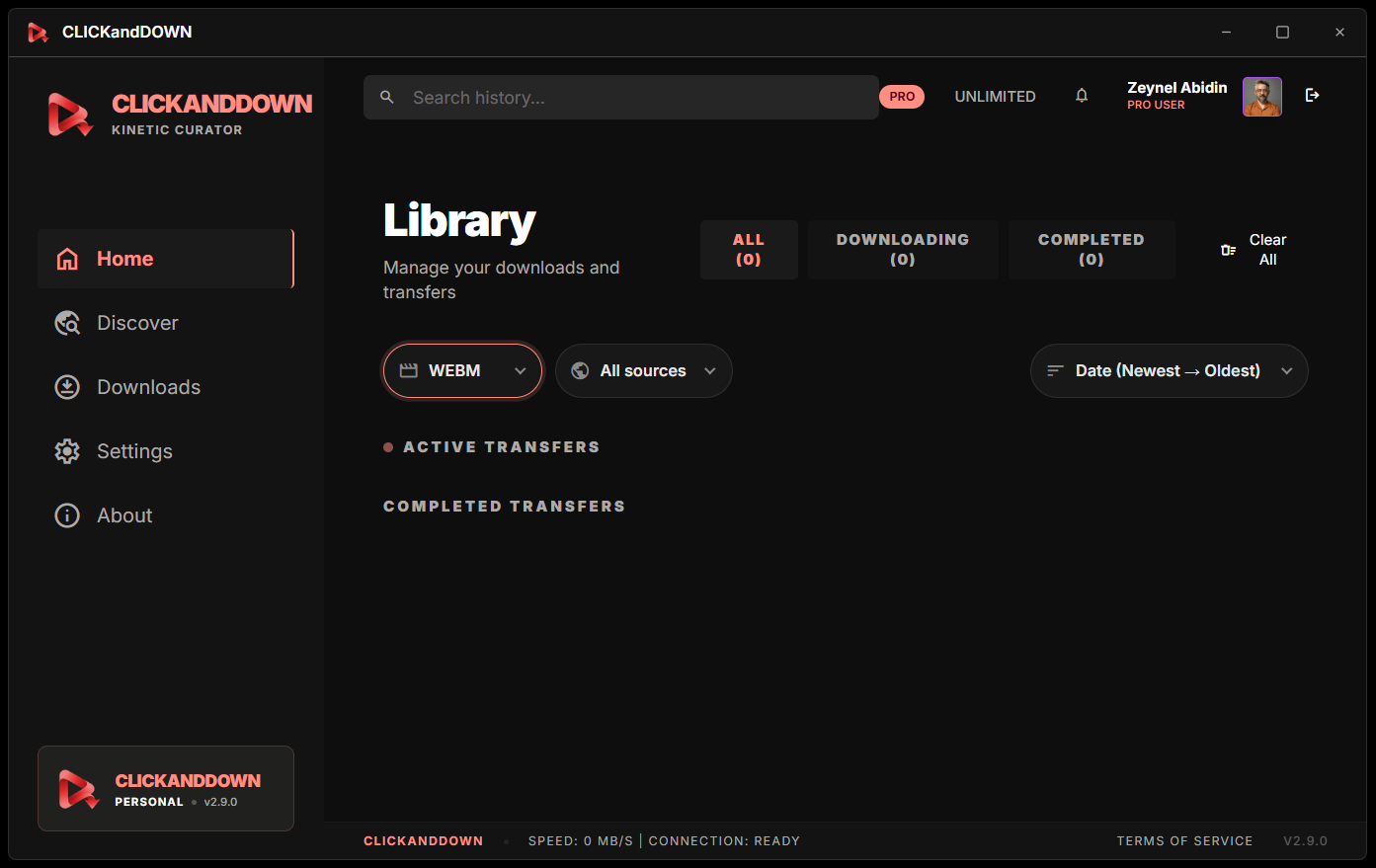
A library that remembers
Six months from now, "that clip with the seagull" is still findable. Search, filter by source or type, sort however you like — and tag things while you still remember why they mattered.
- check_circleIt checks the disk. File still there? You get Play and Open folder. Deleted it? You get a Re-download button.
- check_circleTags and notes on any item, searchable later.
- check_circleThumbnails that survive. Social platforms expire their preview images; the app quietly makes its own from the video file.
- check_circleSynced to your account, so the same library is there on the web and on your phone.
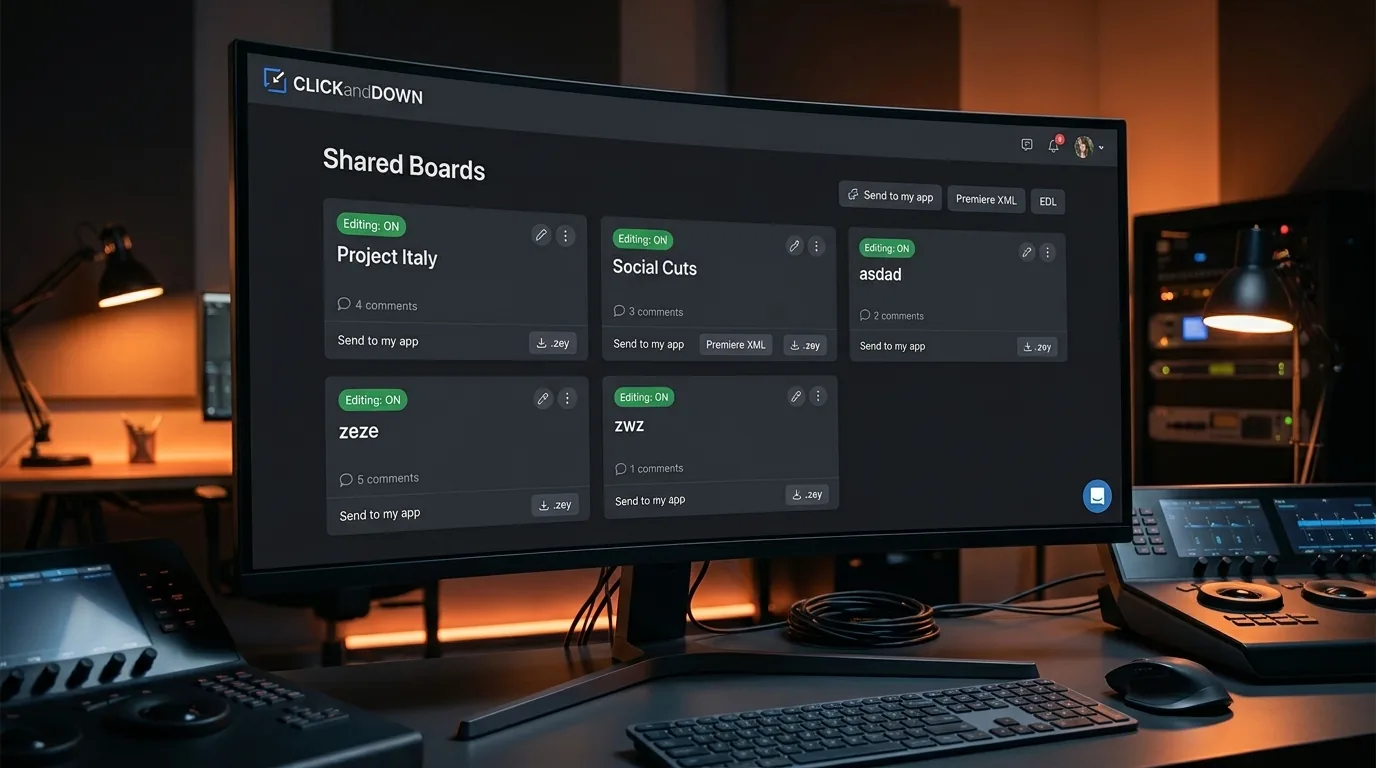
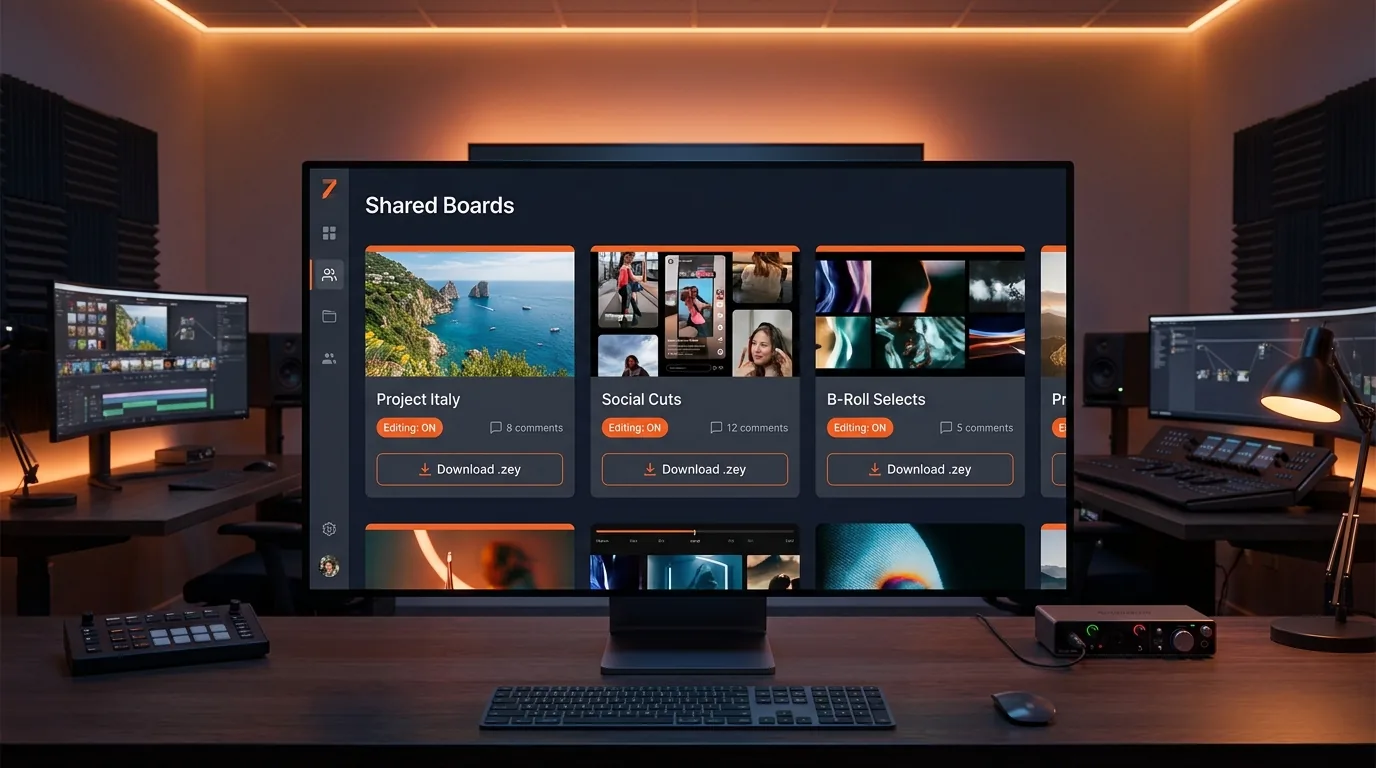
Shared boards
Send one link. The other person marks the exact seconds they want — no account, no software, no "at around 2 minutes 40-ish, the bit with the boat".
No account for guests
Whoever holds the link can open the board and start marking. Add a passcode and an expiry if it matters, and close the board when you are done.
Exact seconds, not guesses
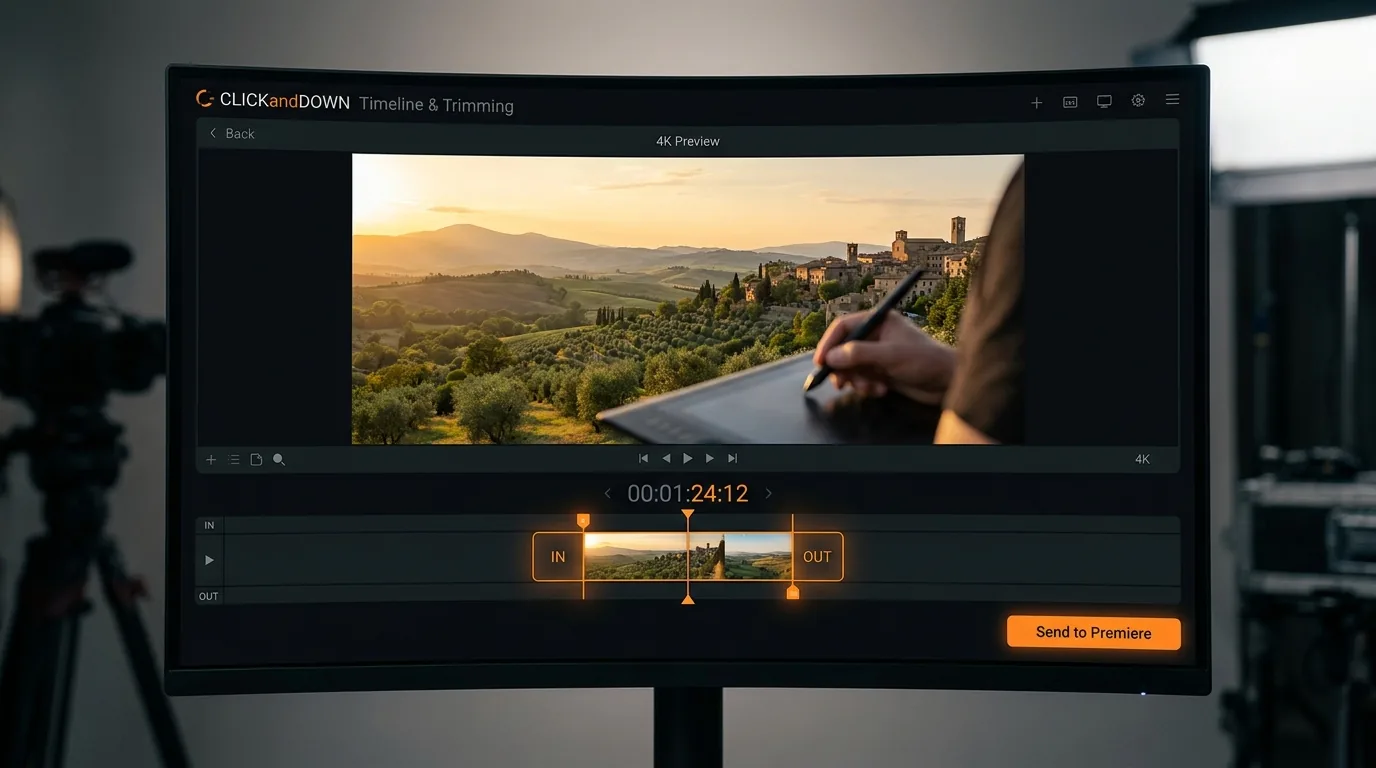
Set In and Set Out give you the real range. No more decoding "somewhere around the middle, after the drone shot".
Notes that don't cut
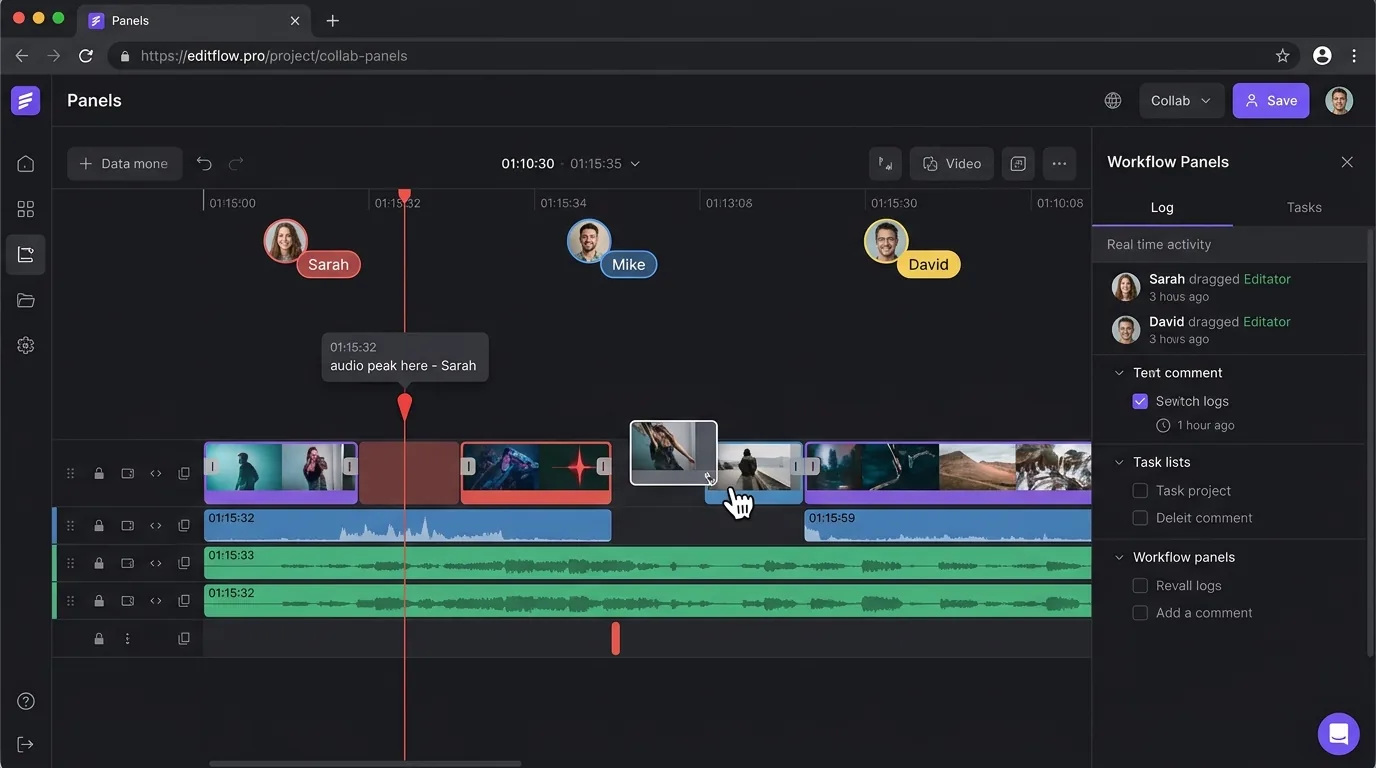
Some remarks are not a clip — "the audio peaks here". Those land as markers on the moment, without adding anything to the assembly.
An actual timeline, in the browser
Not a comment list with timestamps. A proportional time axis where the selected pieces sit end to end, so everyone can see what the cut is turning into and how long it runs.
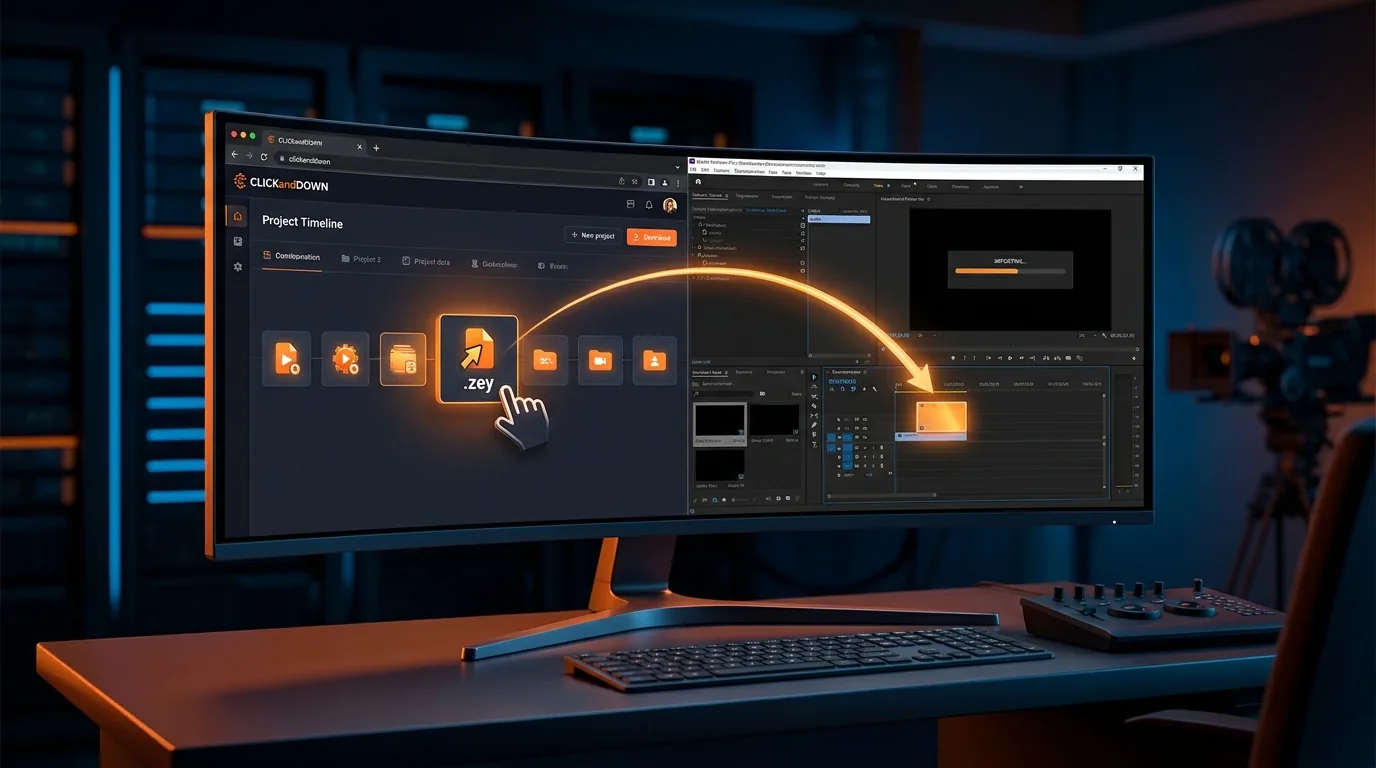
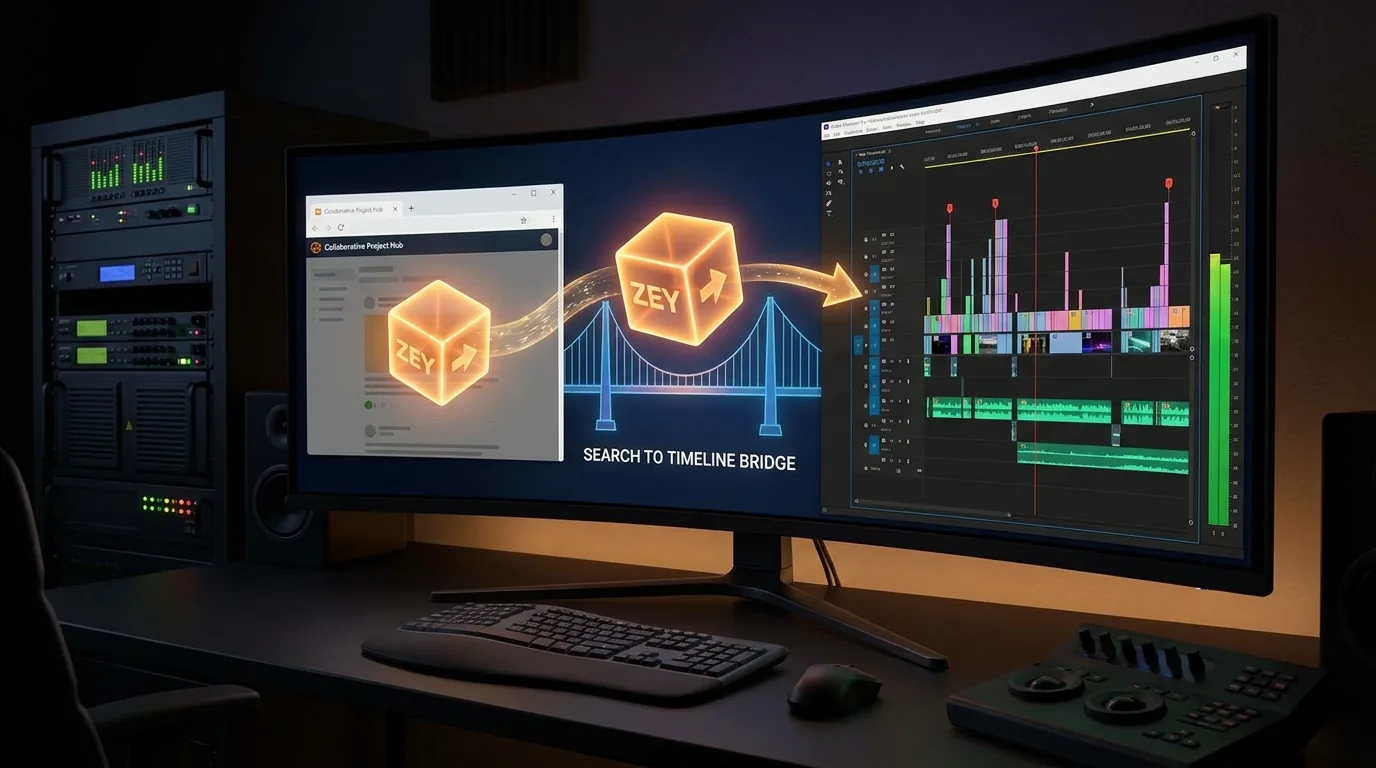
Straight into Premiere Pro
The part everyone dreads — turning a page of notes into an actual sequence — is the part we automated.
bolt .zey
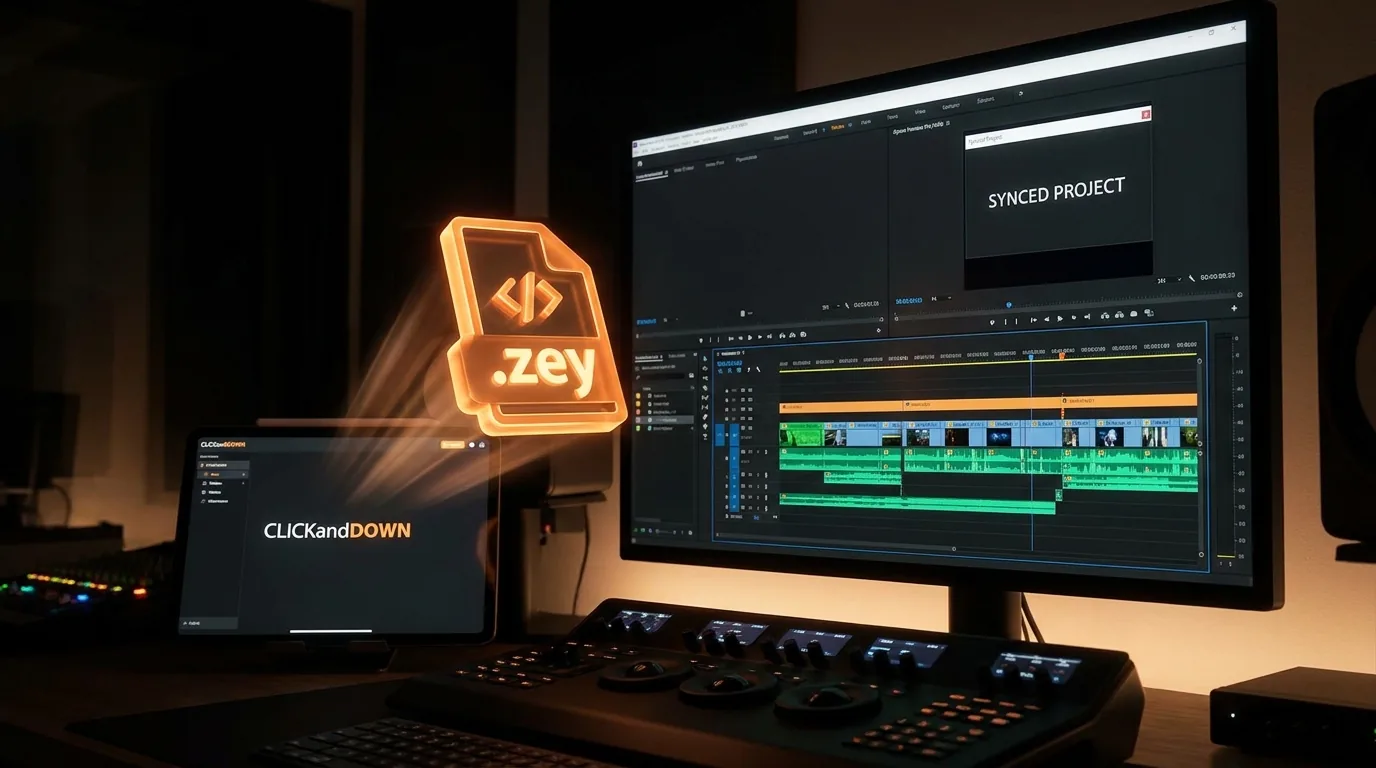
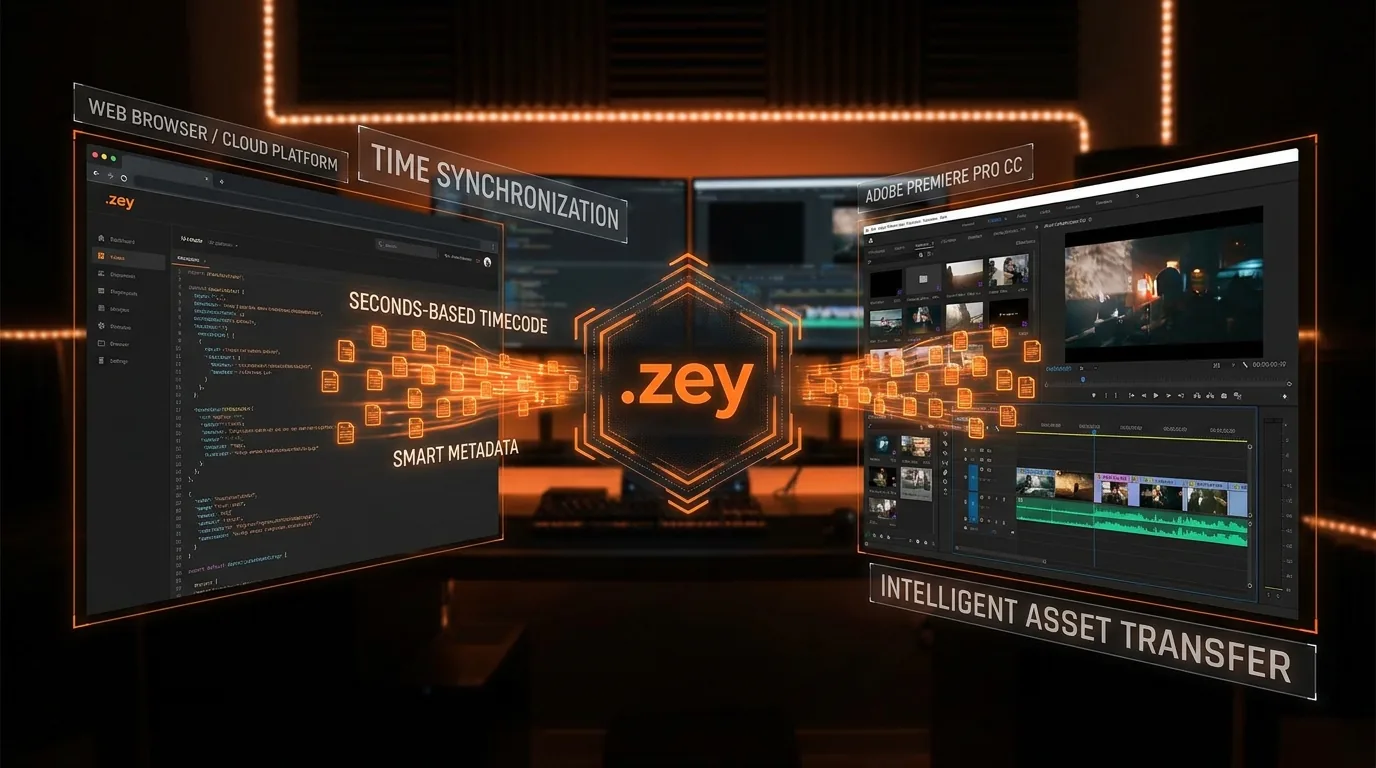
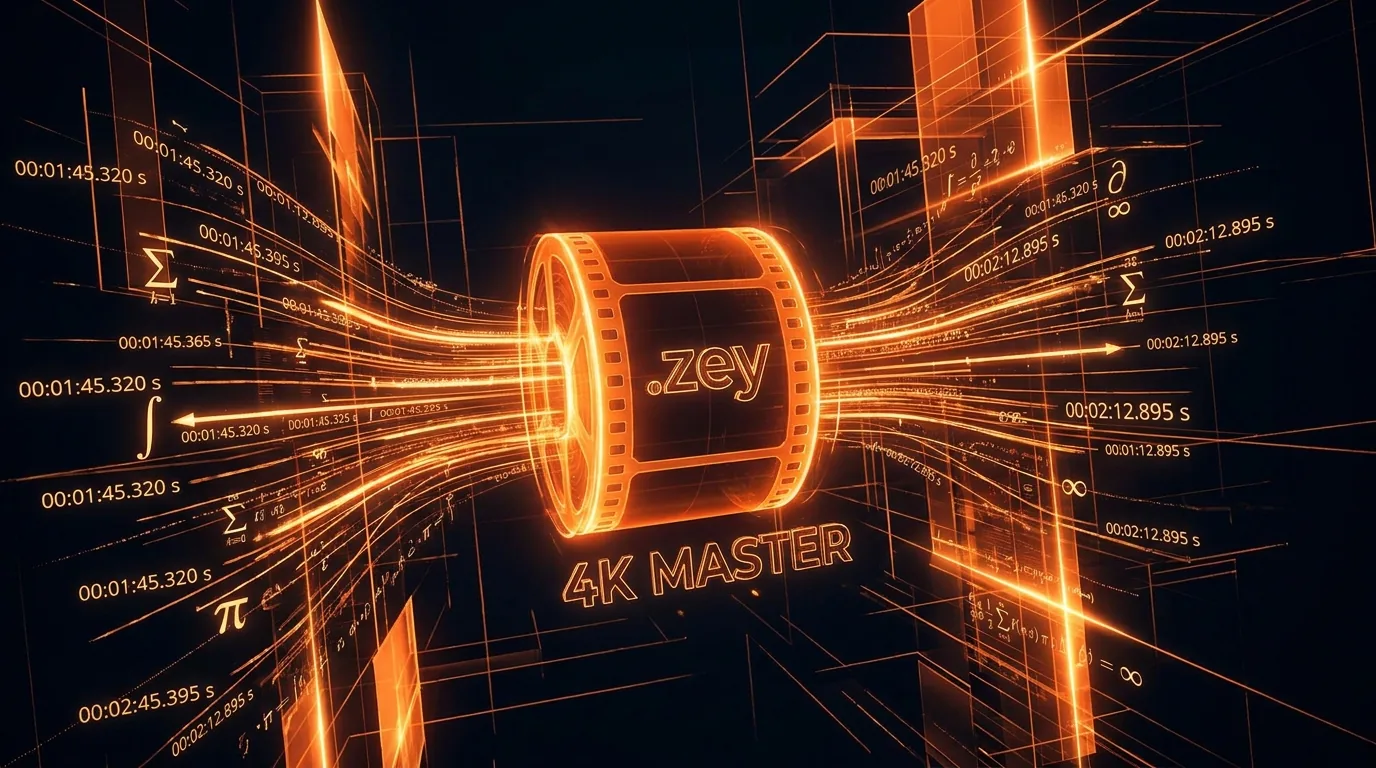
Our own format. Open it and the app downloads every source video, then writes the real file paths back into the same file — so the Premiere Pro extension knows exactly where everything lives.
description Premiere Pro XML
The standard everybody reads. Video plus two audio tracks, properly linked so a clip moves as one piece, with the notes attached as markers.
list_alt EDL
CMX3600 for traditional finishing workflows and anything that still speaks edit decision lists.
We never ask you the frame rate
Traditional exchange formats count in frames, so they have to ask what frame rate your project runs at — and if you answer wrong, every cut lands in the wrong place.
.zey stores everything in seconds. There is no question to get wrong. The sequence adopts whatever frame rate your project already uses.
send_to_mobile Or skip the file entirely
Press Send to CLICKandDOWN on the board and it appears in your desktop app on its own, with every source video already queued to download. No file to save, no file to open, no email attachment.
One account, every screen
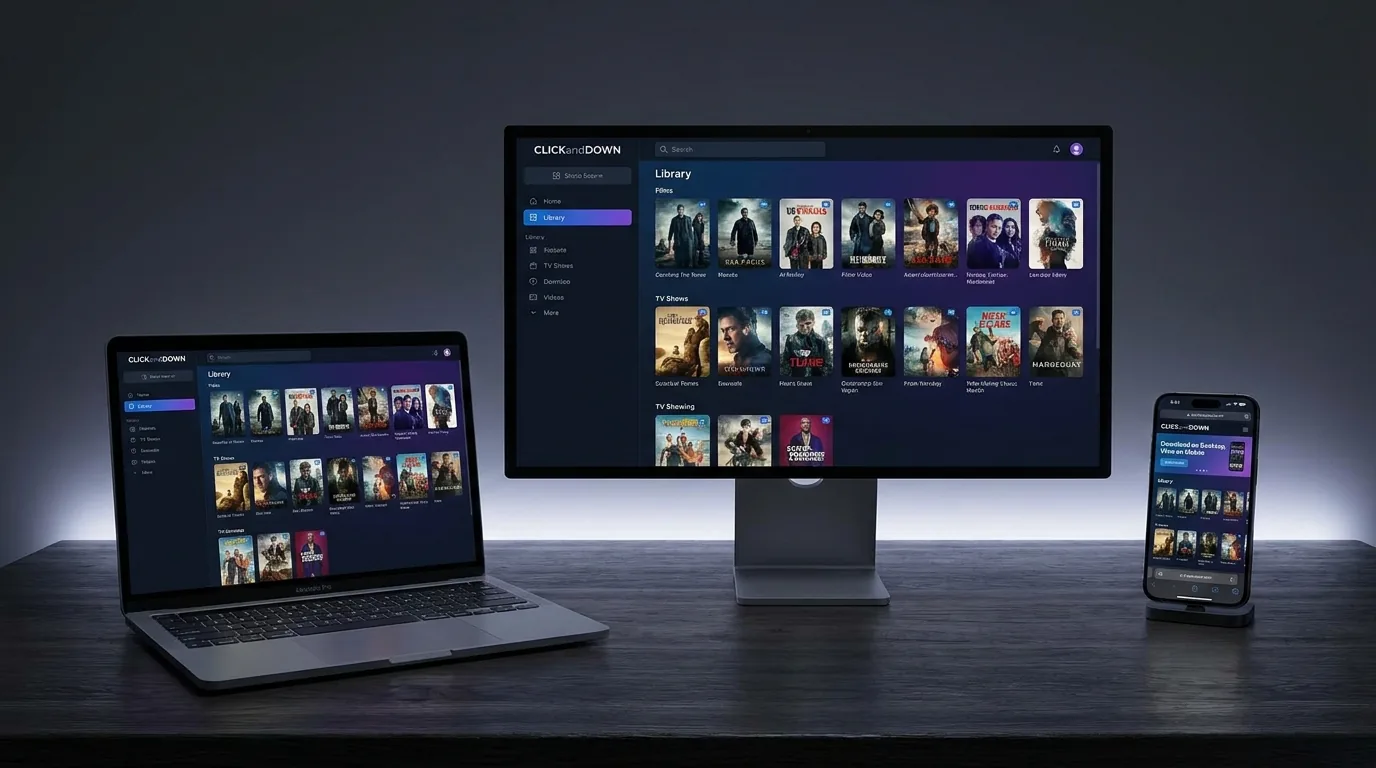
Download something on the desktop and it is in your library on your phone. Windows, macOS, Android, iPhone and the browser all share the same account and the same history.
How it works
Three steps to your first download. Everything else is there when you need it.
Paste the link
Copy any video address and drop it in. The app reads what is available in a couple of seconds.
Choose quality and format
Everything the source actually offers, up to 4K and 8K — or audio on its own.
It lands in your library
Ready to play, convert, tag, share for review, or send on to Premiere Pro.
Why not just use a free web downloader?
Use one, by all means — for a single 720p clip they are fine. They stop being fine when you need 4K, a format your editor accepts, a note from a colleague on the exact frame, or the same file again in three months. That is the whole reason this exists.
Simple, Honest Pricing
Monthly or yearly — pick what fits. Your 20 free downloads are a one-time lifetime trial, no credit card required.
What Our Users Say
Written by people who actually use the app. We publish them under their own name and job title.
Support & FAQ
Is ClickandDown free?
Yes — every account includes 20 free downloads as a one-time lifetime trial (they never reset and follow your account across devices). The desktop app unlocks 4K/8K, all formats, and paid plans remove the limit entirely.
Do I need to install anything?
No — you can download right in your browser. Install the free desktop app only for maximum quality, batch downloads, or MP3 audio.
Which sites are supported?
YouTube, Instagram, TikTok, Facebook, Vimeo, X and over a thousand more.
Is it available on macOS, Android and iPhone?
Yes — Windows, macOS (Apple Silicon), Android (APK) and iPhone (PWA), all synced to one account.
Still need help? Contact support.