 ClickandSend
Send any file, any size,
straight across
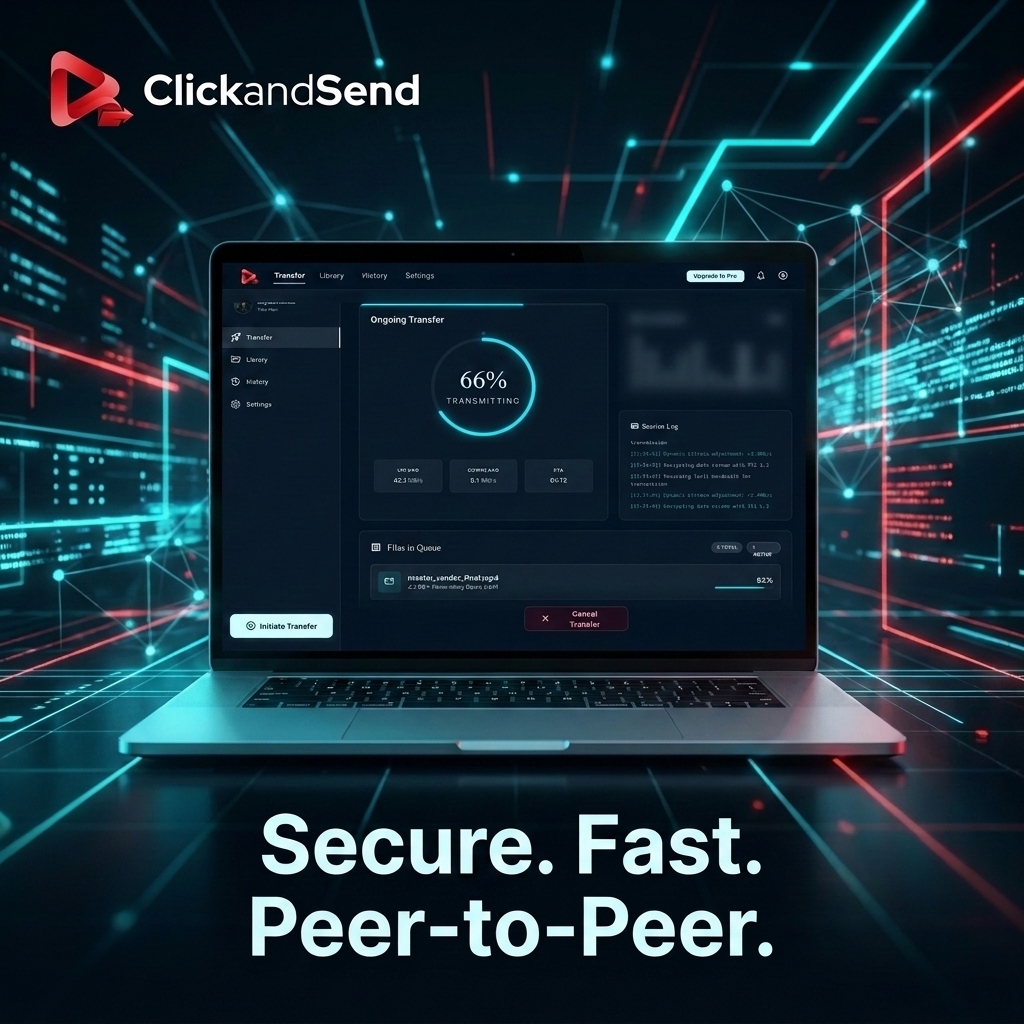
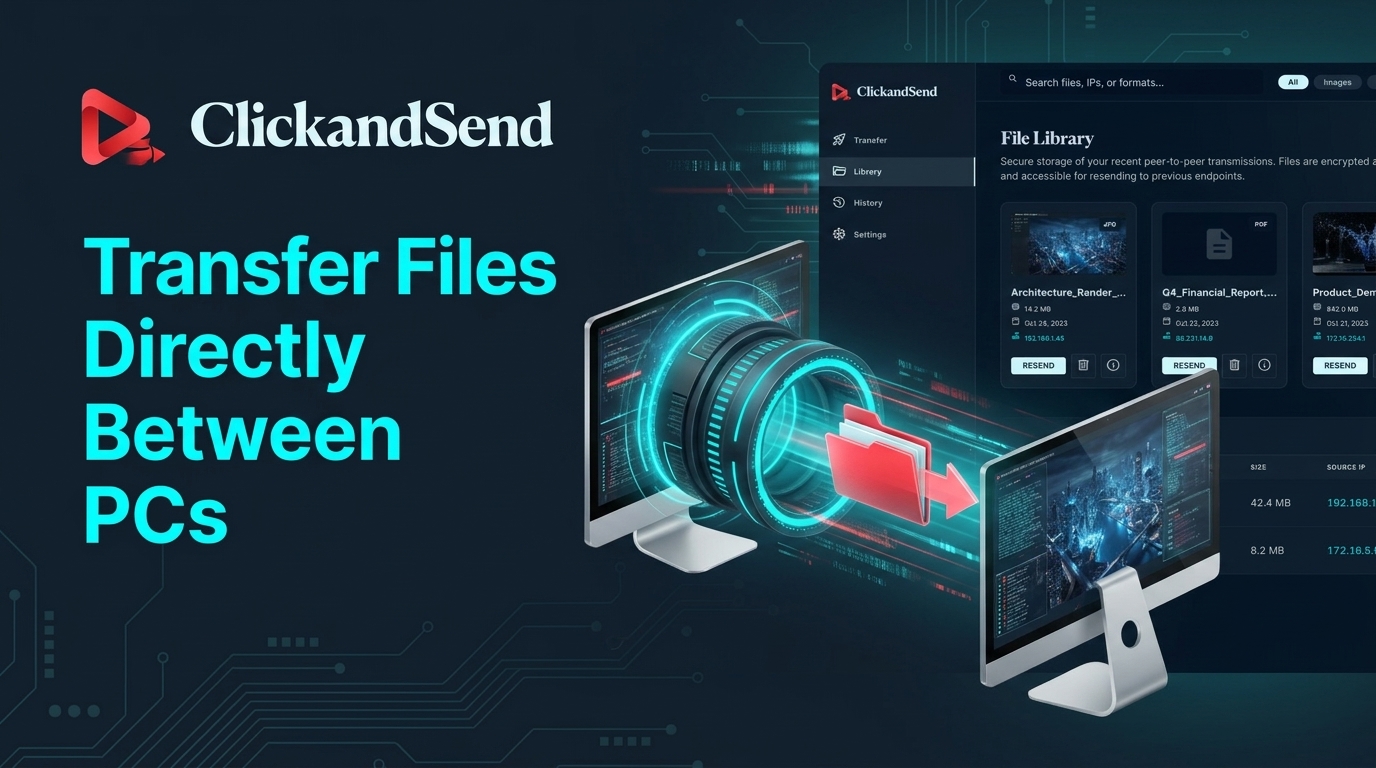
No upload, no cloud storage, no waiting on a slow drive link. ClickandSend transfers files and folders directly from your computer to theirs, peer-to-peer.
See Pricing30 free transfers included — one-time lifetime trial, no credit card required
From the set to your timeline,
in one step
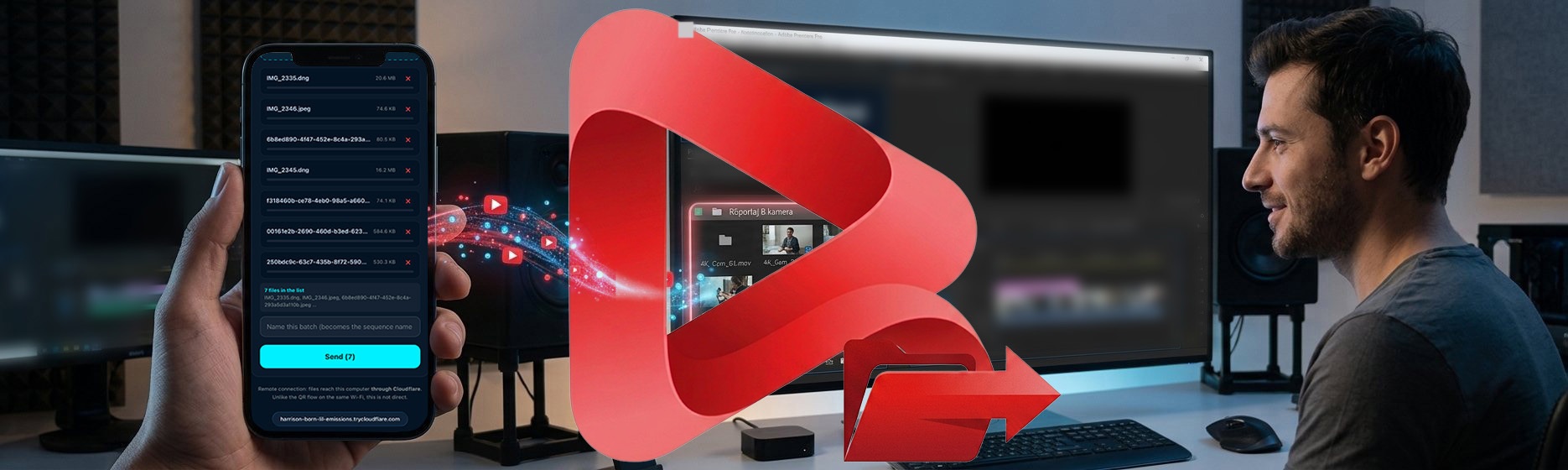
Install the free ClickandSend panel for Adobe Premiere Pro. Pick the clips on your phone, type a name for the batch, and hit send. A bin and a sequence appear in Premiere Pro under that name, with the clips laid out in order — nobody drags anything.
- folder_open Put it in a bin — imports into a dated bin. Your timeline is never touched.
- movie_filter Build a new sequence — the first clip sets the format, the rest follow it end to end.
- playlist_add Append to the open timeline — lands after your last clip. Undo with Ctrl+Z like any edit.
One send becomes one sequence. Send again and you get a separate one, so two jobs never mix.
Send from your phone.
No app to install.
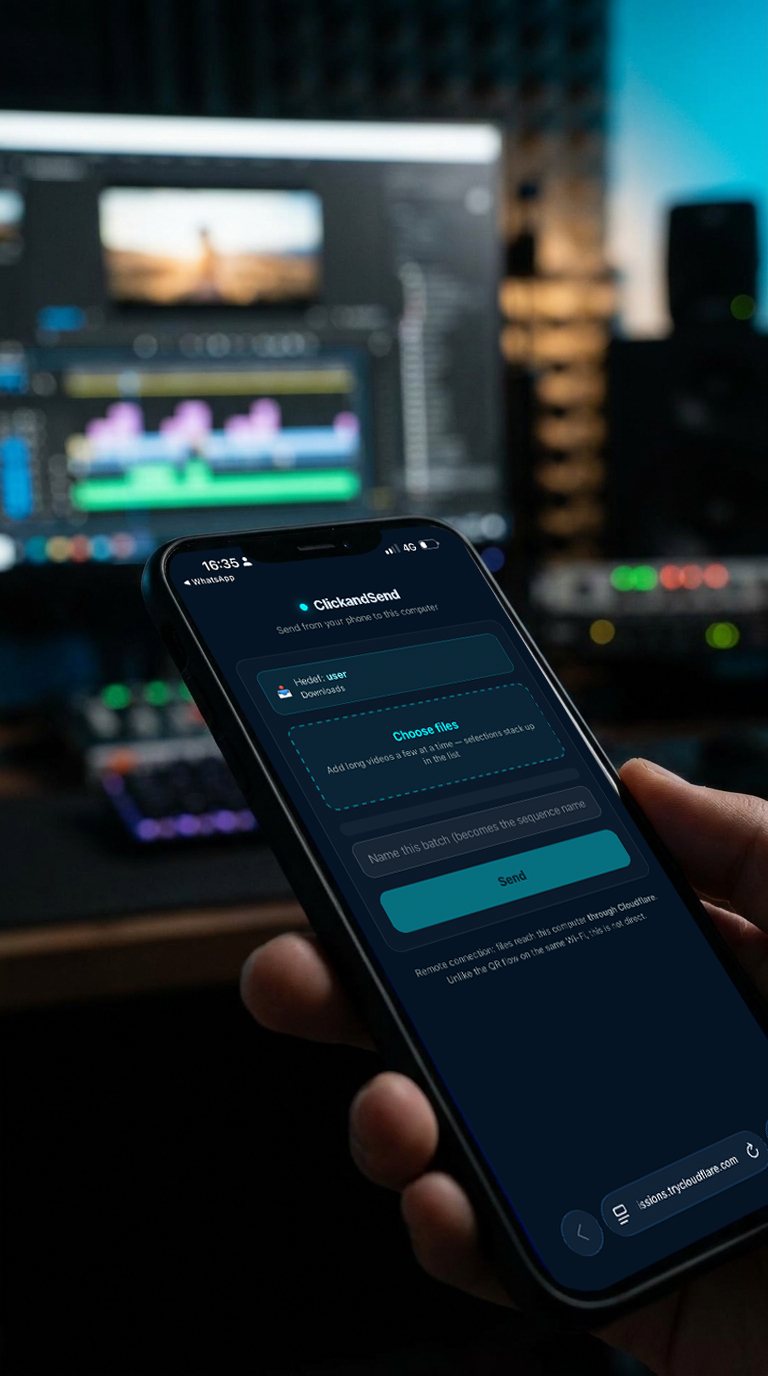
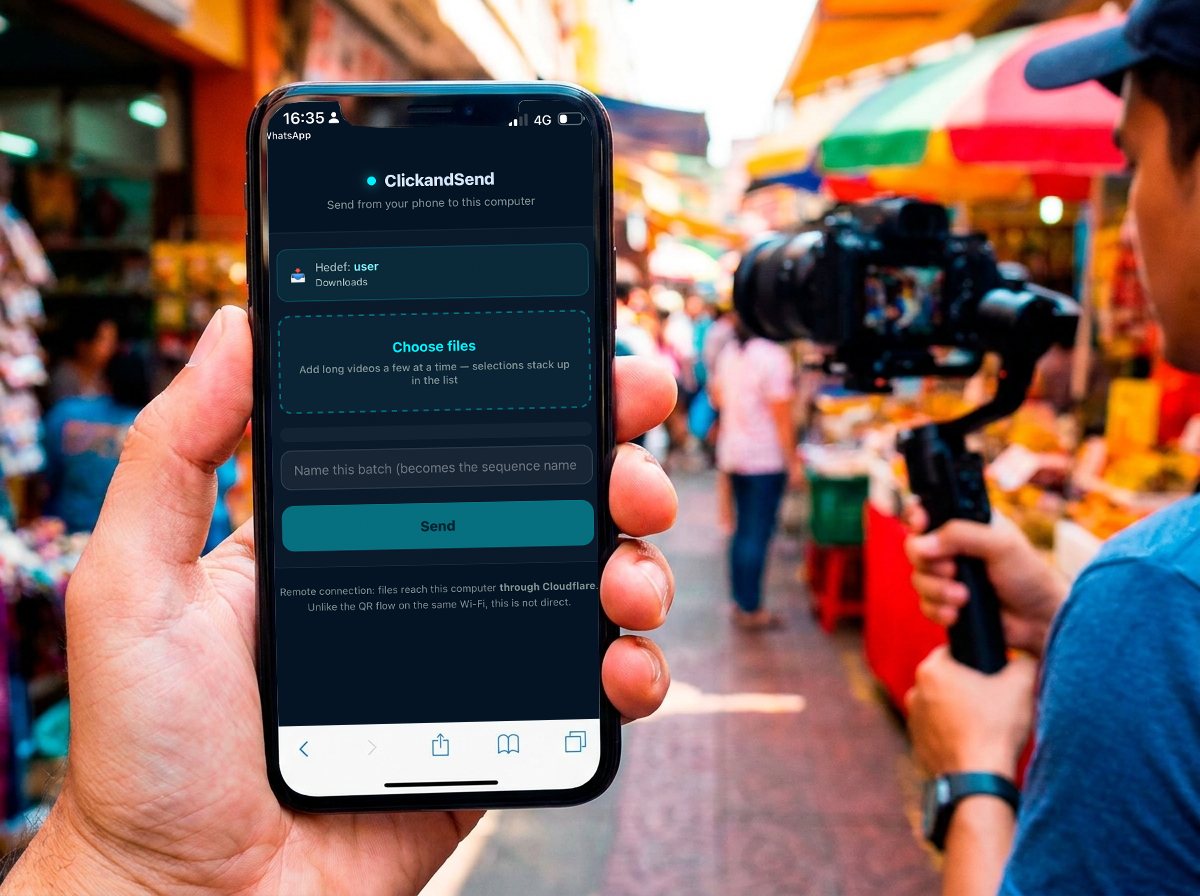
Point your camera at the QR code on your computer. Your browser opens, you pick the videos, you send. No App Store, no account, no upload to anyone's cloud — the files go straight to the machine in front of you.
iPhone or Android, only a browser is needed.
Add clips a few at a time; the list builds up before you send.
Both devices on the same Wi-Fi. Away from your computer? A remote link can be opened when you need one.
Still shooting?
Send it anyway.
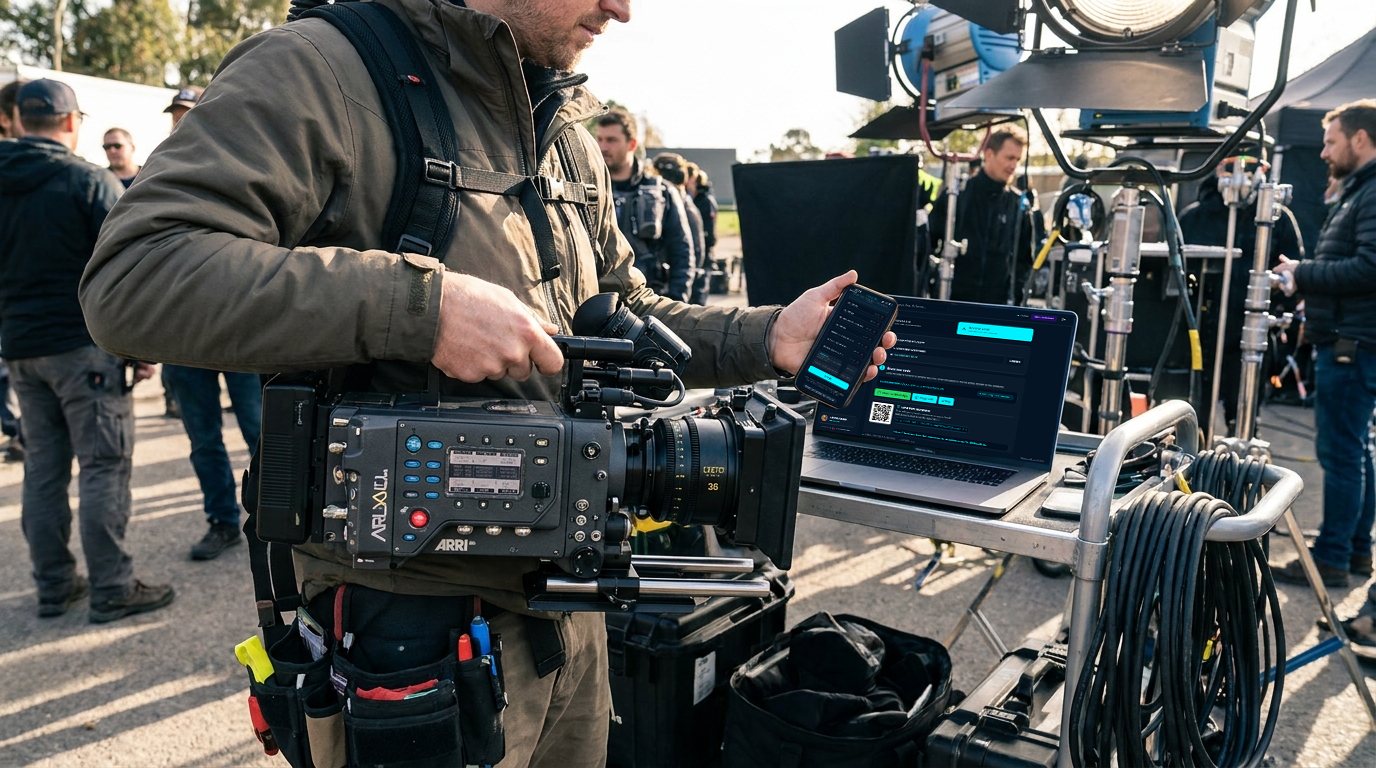
The QR code needs both devices on one Wi-Fi. When your computer is back at the studio and you are on set, open a remote link instead — share it over WhatsApp and send from mobile data. Close it when you are done and the address is gone for good.
We say this plainly in the app too: in this mode the files travel through Cloudflare rather than straight to your machine. On the same Wi-Fi they never leave the room.
Built for real transfer work
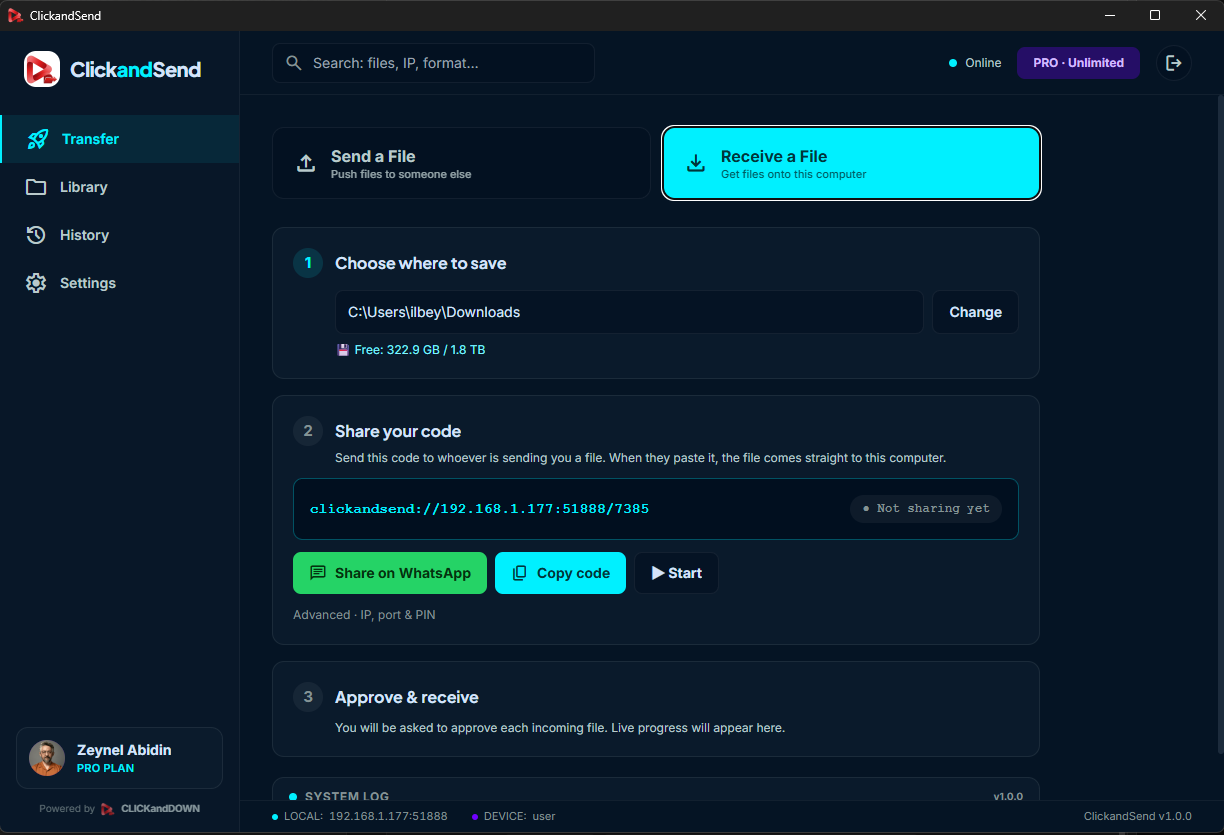
Receive with one code
Share a short code or link — the sender pastes it and the file streams straight to your chosen folder.
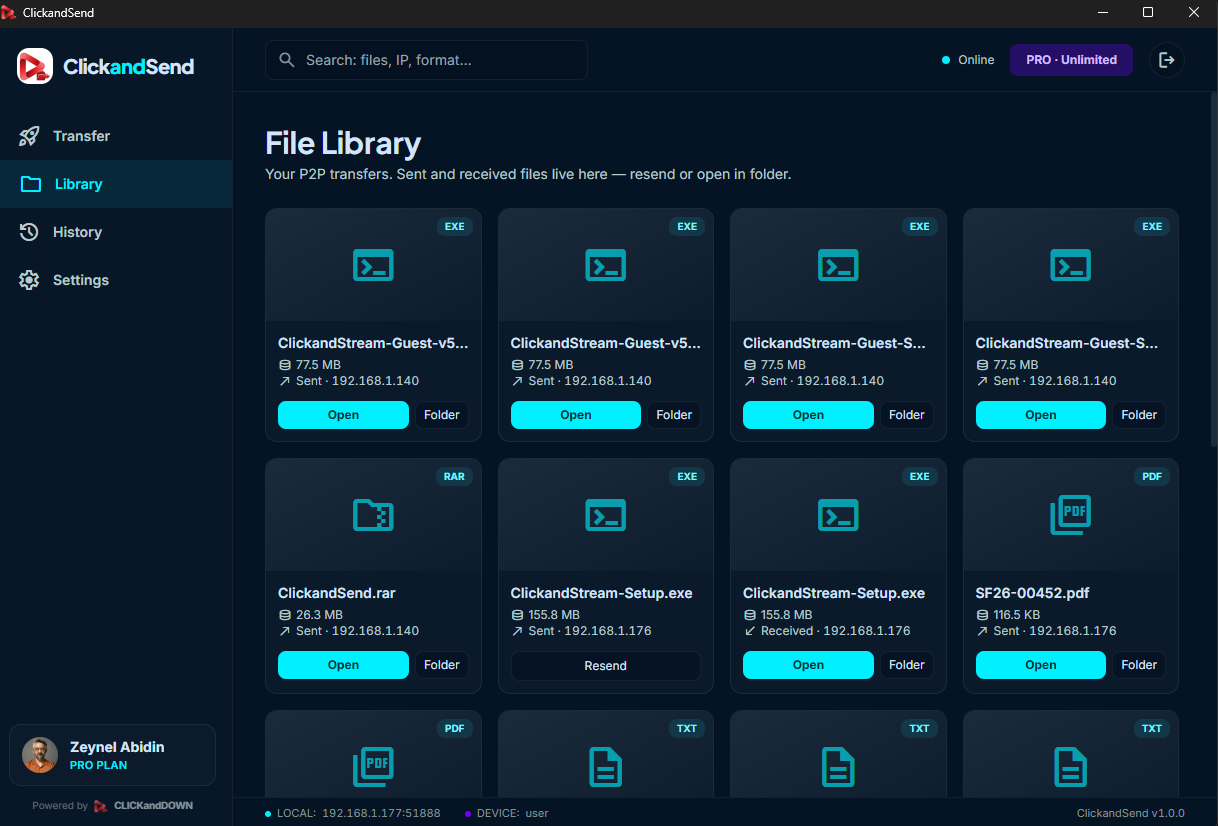
A real file library
Every transfer — sent or received — lives in one place, with quick re-send and open-in-folder.
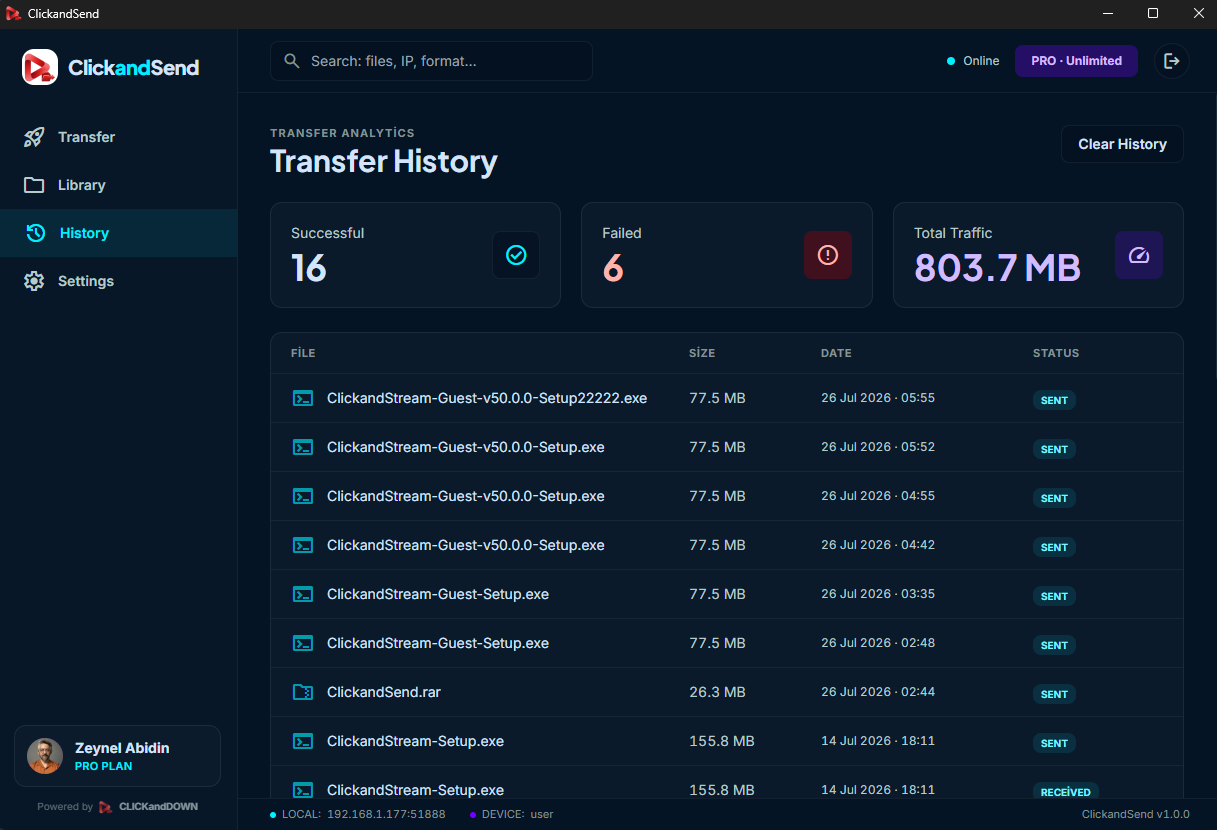
Transfer history & analytics
See what succeeded, what failed, and how much total traffic you've moved — at a glance.
On your desk or on the road
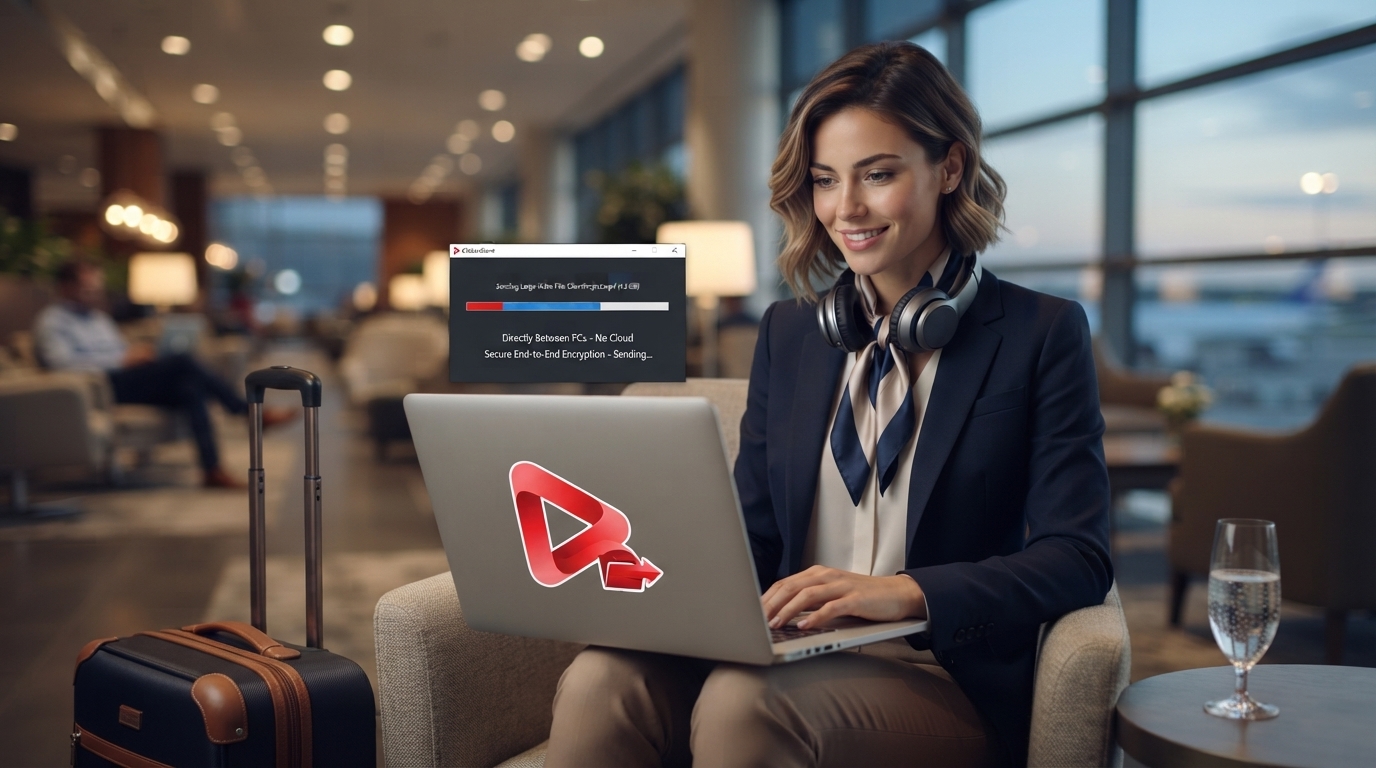
Sending from the studio or from an airport lounge — as long as both machines are online, the transfer just works.
Direct & private
No cloud storage in the middle — files move straight from one computer to the other, never stored on our servers.
Any file, any size
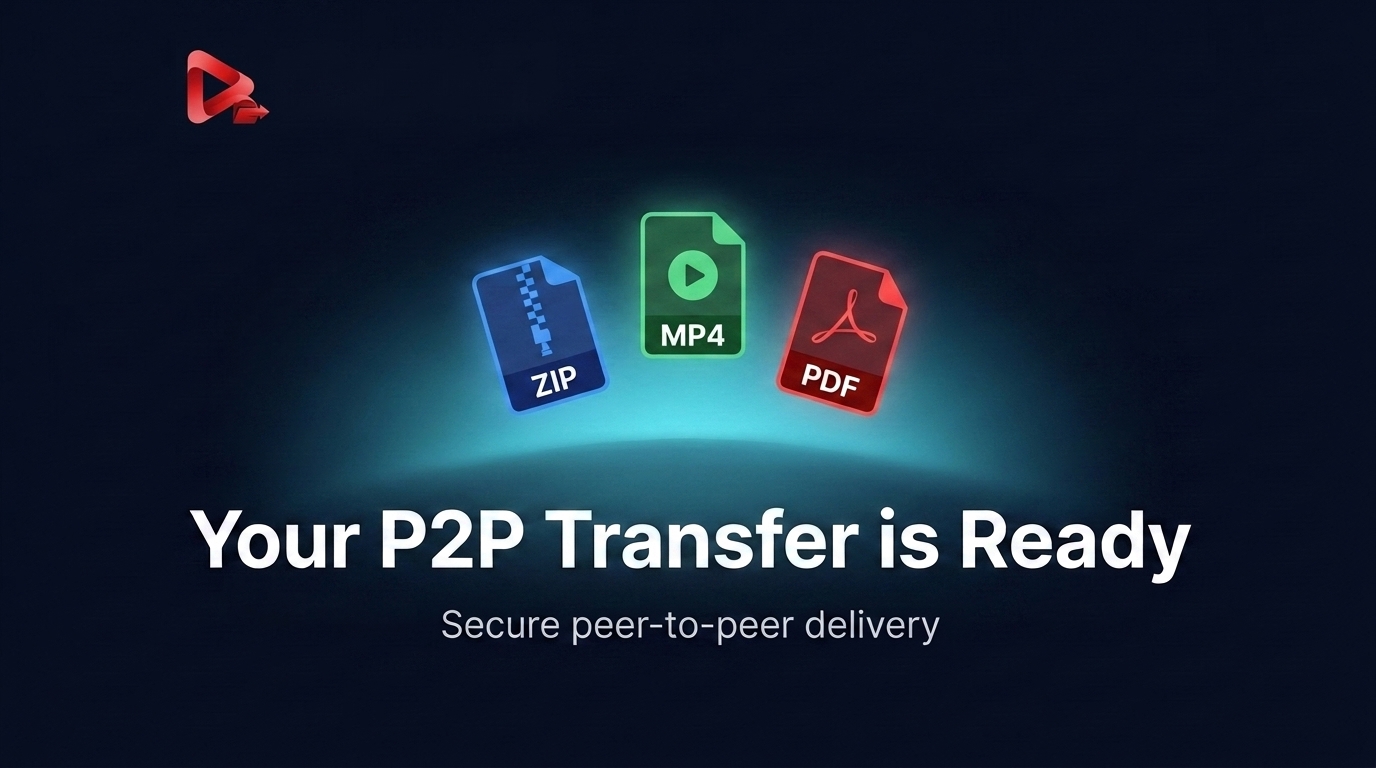
Zips, raw footage, PDFs — whatever it is, it goes across whole, uncompressed, at your connection's real speed.
How it works
- 1
Open it on both ends
Install and open ClickandSend on the sending and receiving machine.
- 2
Pick your file or folder
Drag a file or an entire folder into the app.
- 3
Connect directly
ClickandSend connects the two machines directly, peer-to-peer — no upload step.
- 4
Transfer completes
The file streams straight to the other computer, at your connection's real speed.
- 5
Editing? It lands in Premiere Pro
With the panel installed, what you receive imports itself — into a bin, a fresh sequence, or the end of the timeline you already have open.
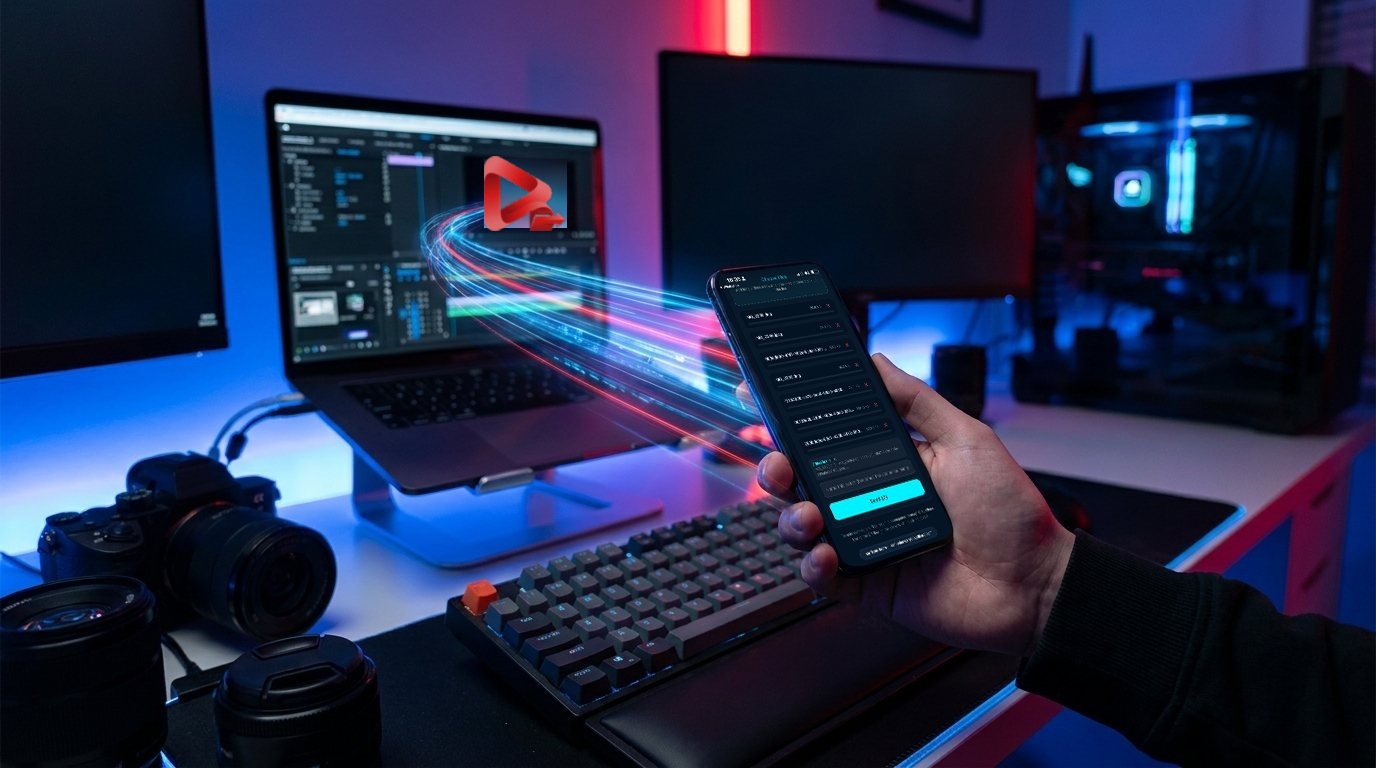

Built for people moving real files
Not another cloud-storage upsell — just the fastest way to get a file from one machine to another.
Creatives
Hand off raw footage, PSDs, or full project folders without waiting on an upload bar.
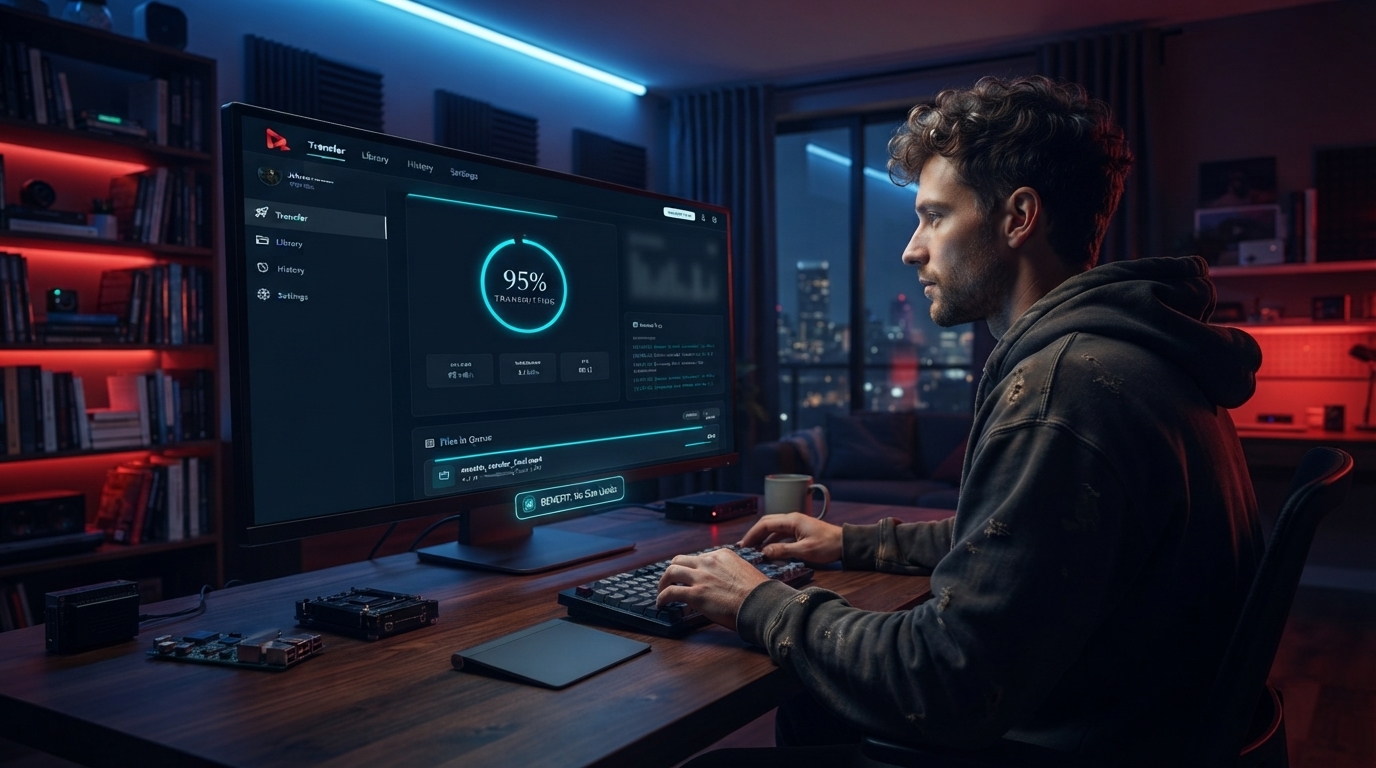
Remote teams
Push a build, a dataset, or a backup straight to a teammate's machine, wherever they are.
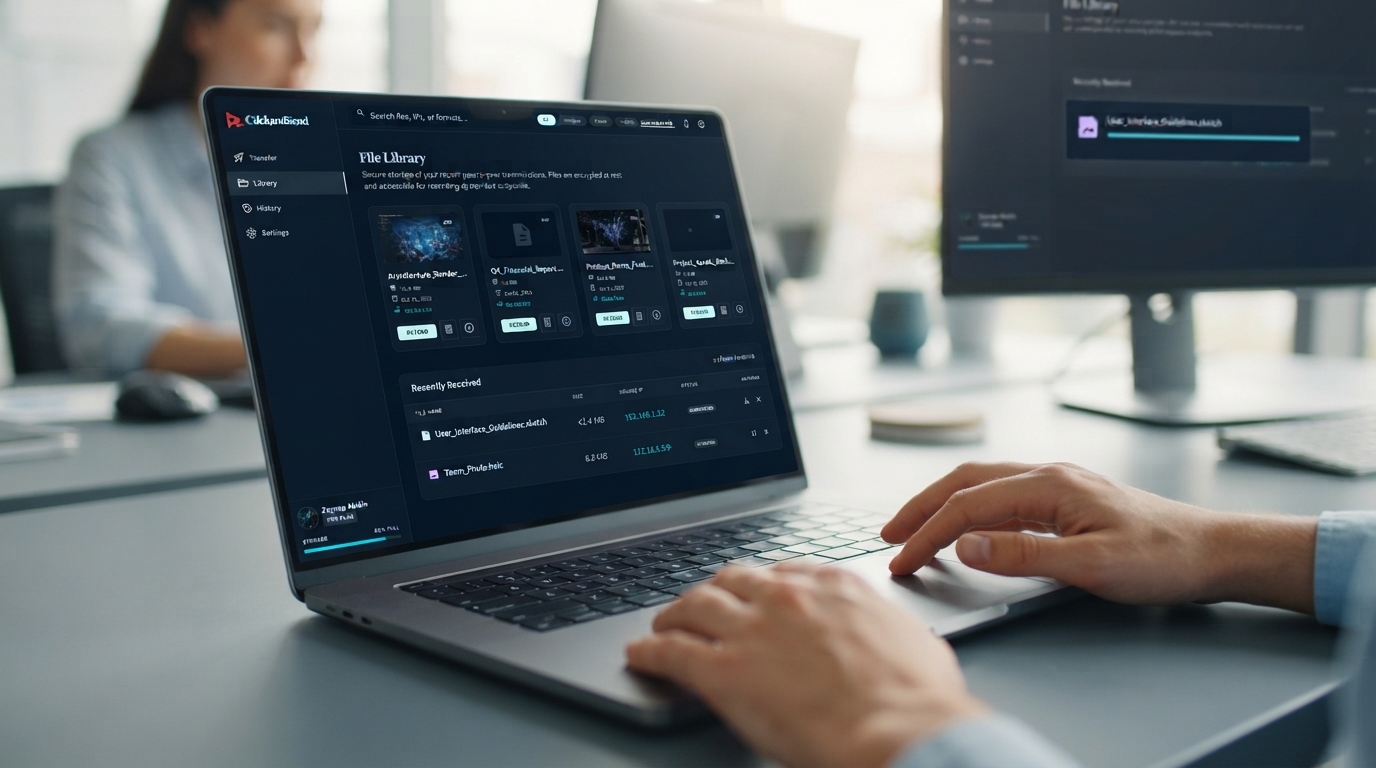
Anyone tired of size limits
No 2 GB cap, no "upgrade for more storage" — if it's on your disk, you can send it.
Pricing
Billed yearly. Cancel anytime.
Support & FAQ
Does ClickandSend upload my files to a server?
No. Transfers go directly between the two computers — your files are never stored on our servers.
Is there a file size limit?
No artificial size limit — since there's no upload step, you're only limited by your own connection and disk space.
Is ClickandSend free?
Yes — every account includes 30 free transfers as a one-time lifetime trial (they never reset and follow your account across devices). Paid plans remove the limit entirely.
Can I send whole folders?
Yes — drag a folder and ClickandSend transfers every file inside it.
Still need help? Contact support.
Ready to send your first file?
Start free — a limited number of transfers to try it out.
See Pricing