 ClickandStream
Live Premiere Pro review,
without the export.
Bring clients and collaborators directly into your Adobe Premiere Pro timeline — and review edits live, together.
No exports. No uploads. No waiting. Just your timeline, shared in real time.
5 free review sessions included — one-time lifetime trial, no credit card required
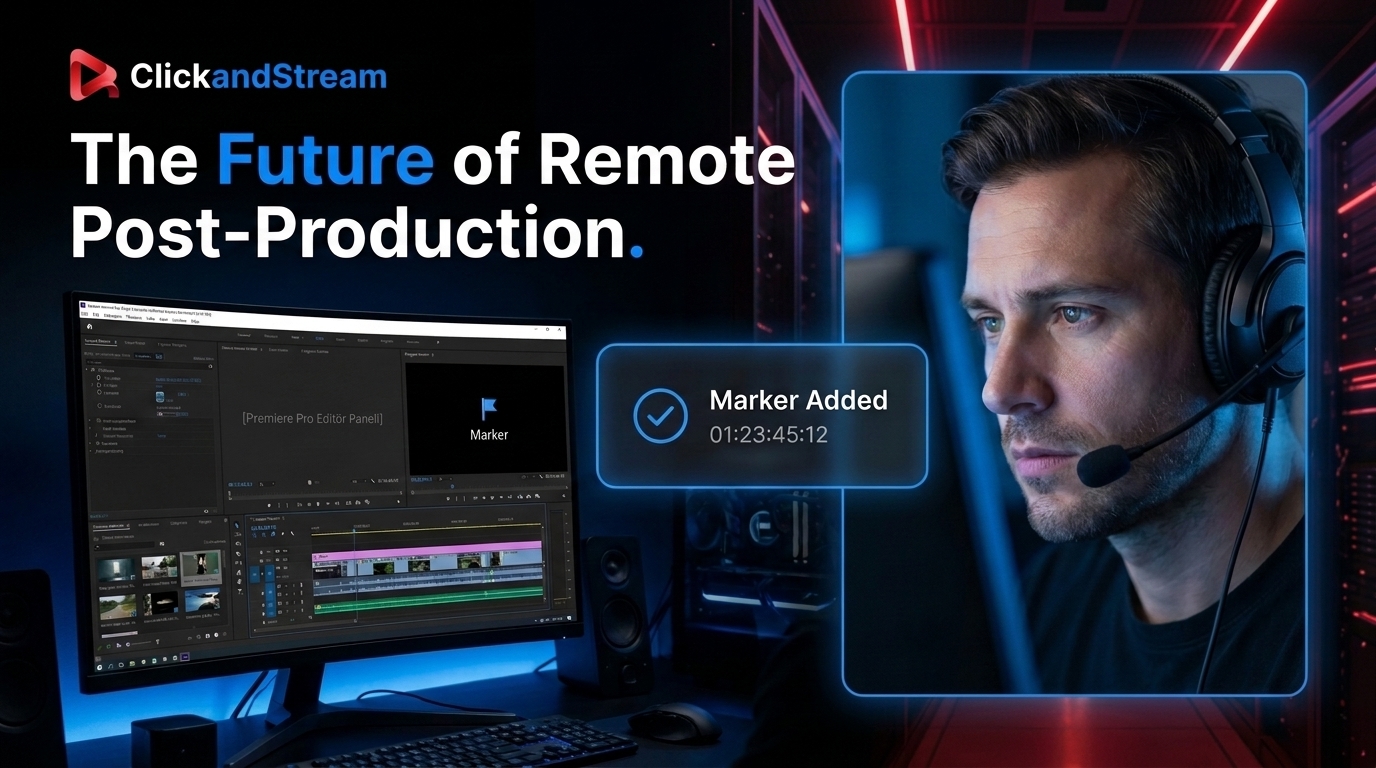
Why export when you can review live?
Get feedback while you're editing — not hours later.
The old way
ClickandStream
Built for Adobe Premiere Pro. Built for the way editors actually work.
Launch and control your review session directly from Adobe Premiere Pro — without breaking your workflow.
Stay in your edit. Bring everyone else into the room.
Not another meeting app. Not another file-sharing platform. ClickandStream is part of the post-production workflow itself — a panel inside the tool you already live in.
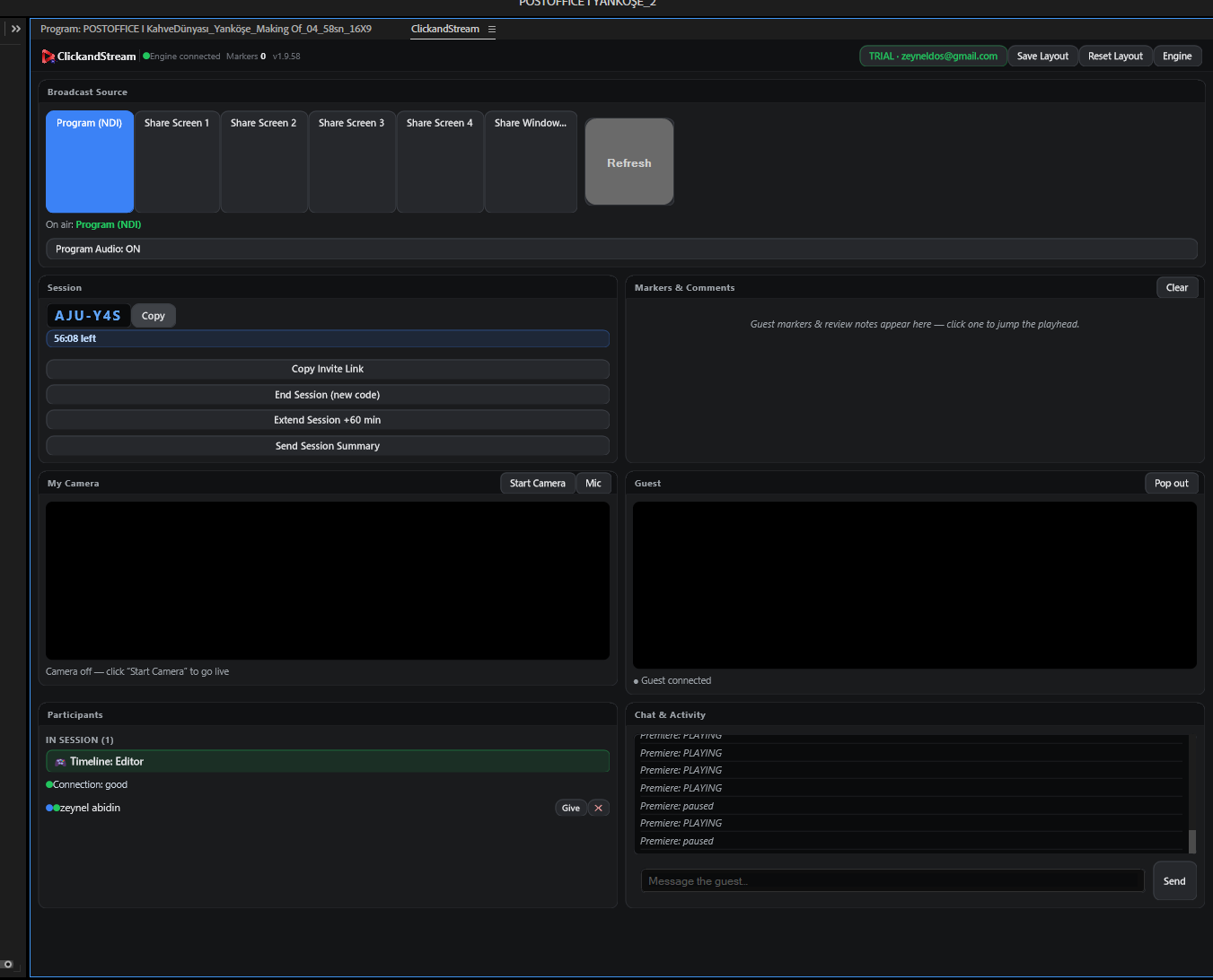
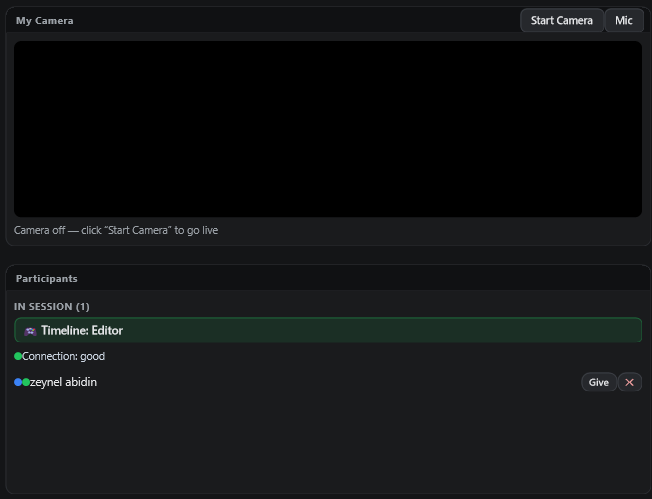
One timeline. Multiple collaborators. Real-time feedback.
Invite editors, clients, directors, producers, and creative teams into the same live review session.
Everyone sees the same moment, discusses the same frame, and leaves feedback exactly where it matters.
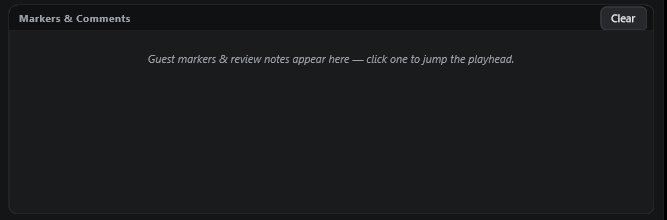
Turn feedback into timeline markers.
Capture comments at the exact moment they happen — so nothing gets lost in chat, email, or memory.
Every note stays connected to the timeline, making revisions faster and easier.
Review live. Revise faster.
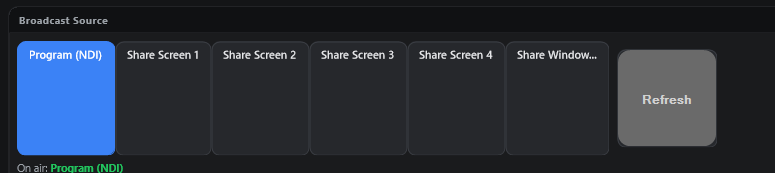
Share the view your team needs.
Share your program monitor, timeline, camera, or screen — all from one session.
Switch between sources without interrupting the review.
Your edit stays in Premiere Pro. Your collaborators join from their browser.
Give clients and collaborators a front-row seat to the editing process without sending a single file.
- check_circleNo installation required for guests
- check_circleNo account required for guests
- check_circleOne link, straight into the session
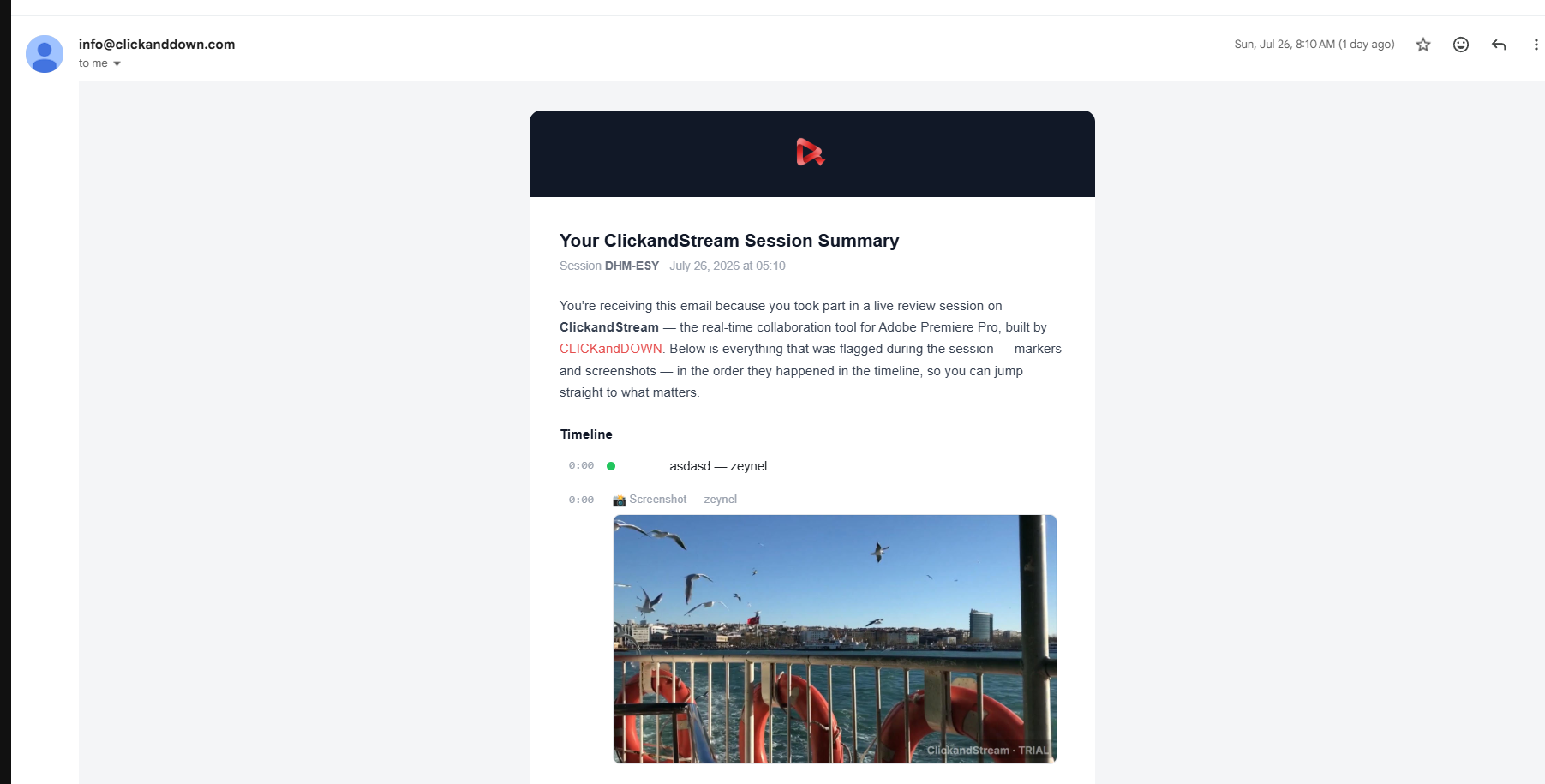
Never lose a revision note again.
Get a complete session summary with markers, comments, participants, and key moments — ready to share after the review.
The meeting ends. The feedback doesn't disappear.
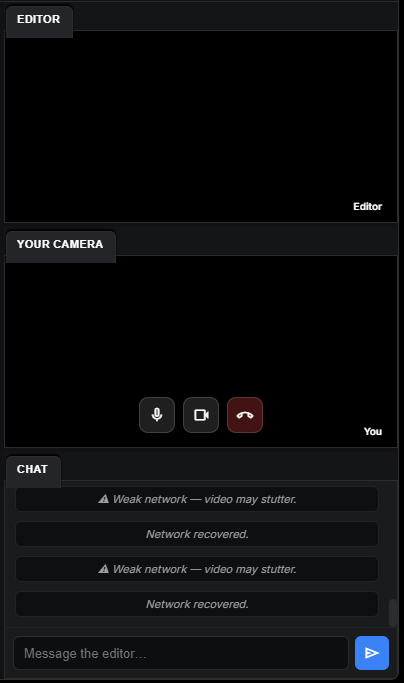
Built-in chat, both sides
Talk through the edit in real time — no separate call needed.
See who's connected
A live roster with connection quality and who's in control of the timeline.
Extend or end, anytime
Extend the session in one click. End it, and the invite code retires with it.
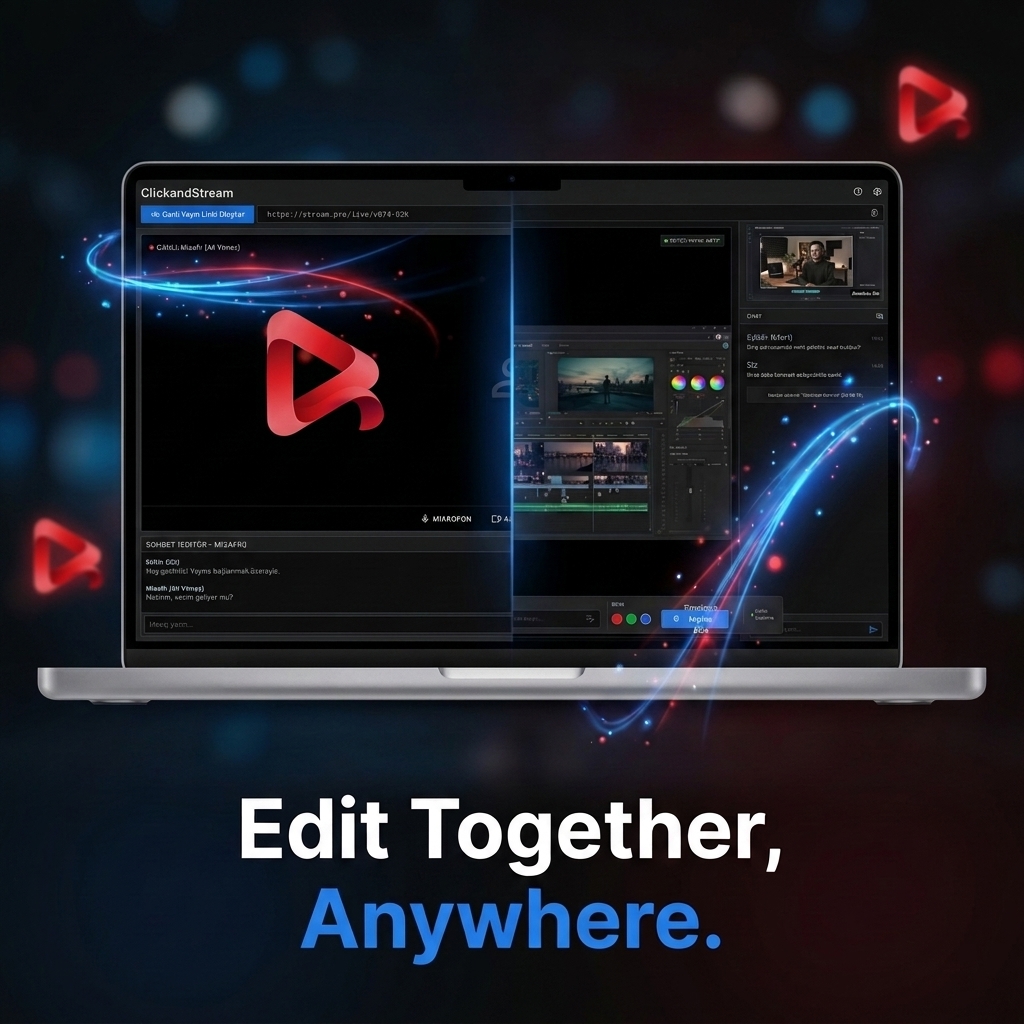
Edit together. Anywhere.
Live collaboration inside Premiere Pro — from anywhere in the world. Turn remote review sessions into a seamless part of your post-production workflow.
How a review session works
- 1
Install the panel
Install the ClickandStream panel in Adobe Premiere Pro.
- 2
Start a session
Open your sequence, click Start Session, and share the link with your client or collaborators.
- 3
Review together, live
They watch your program monitor in sync, in their browser. Drop timestamped notes and chat as you play.
- 4
Wrap up with a summary
Send a session summary email with every note, screenshot, and timecode organized by timeline.
Built for modern post-production teams.
Editors
Share your timeline live and get actionable feedback without exporting new versions.
Agencies
Bring clients and creative teams into the edit without complicated review workflows.
Production Companies
Review edits remotely with directors, producers and clients in real time.
Freelancers
Present your work professionally and turn feedback into clear revision points.
Everything that makes review sessions faster
Live timeline review
Review the actual edit as it happens.
No exports
Skip the export-review-revise cycle.
No uploads
Review without uploading your edit to another platform.
Real-time collaboration
Bring multiple people into the same session.
Timeline markers
Capture feedback exactly where it belongs.
Premiere Pro workflow
Stay inside the workflow you already use.
Session summaries
Keep a clear record of every review session.
Remote access
Collaborate with anyone, anywhere.
Pricing
Monthly or yearly, per editor. Cancel anytime. Guests are always free.
Support & FAQ
Does my client need Premiere Pro or an account?
No. They just open the link you share in their browser — no install, no Adobe account, no ClickandDown account required.
Is ClickandStream free?
Yes — every account includes 5 free review sessions as a one-time lifetime trial (they never reset, and they follow your account across devices). After that, pick a plan to keep collaborating.
Does this export or upload my footage anywhere?
No. Your client sees your live program monitor over a direct peer connection — nothing is rendered, exported, or stored on a server.
Can I send a summary of what was discussed?
Yes — one click emails everyone a summary with every marker, screenshot, and chat note organized by timeline and timecode.
Still need help? Contact support.
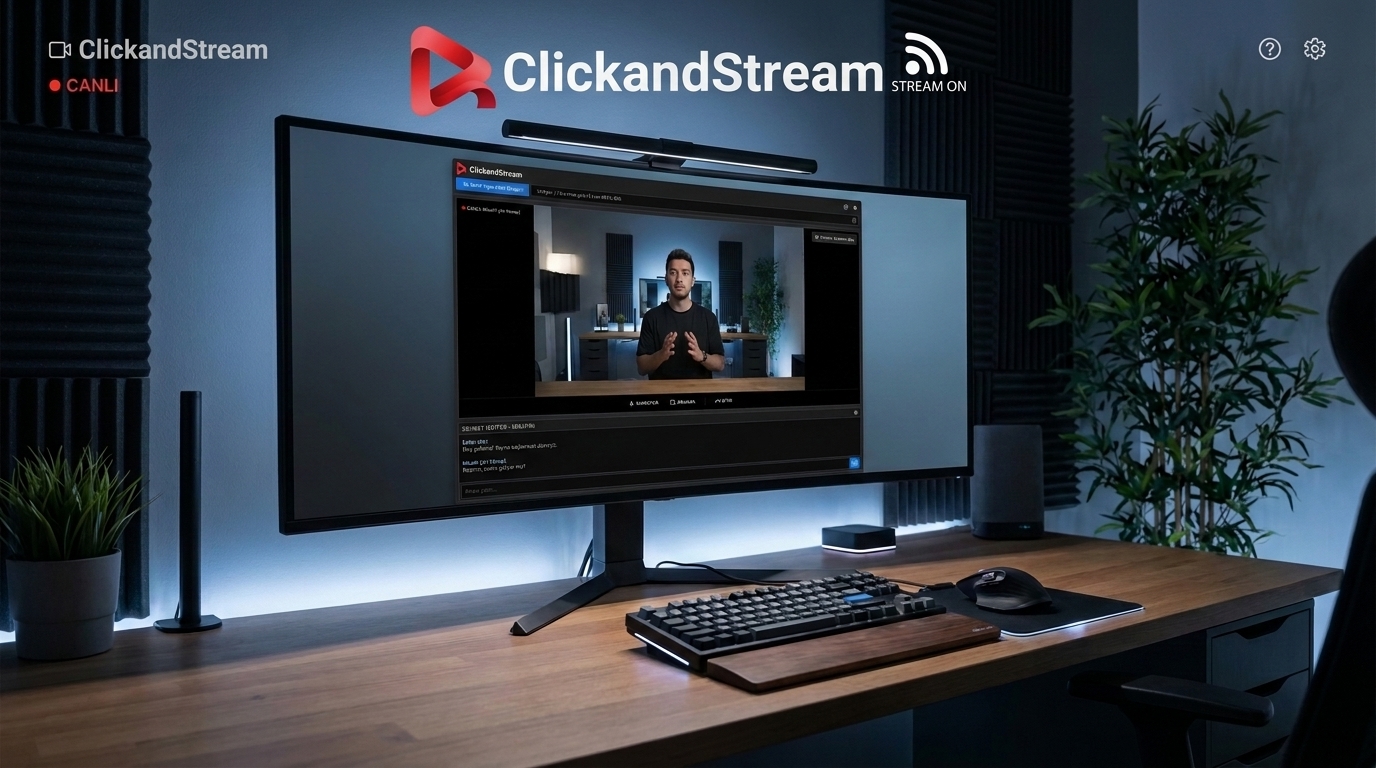
Stop exporting. Start collaborating.
Review your Premiere Pro timeline live with your team and clients.
Start a Free SessionYour timeline. Their feedback. One live session.