Free YouTube Video Downloader
Download any YouTube video in HD or 4K, fast and free. Paste the link, choose a quality, and save it as MP4 straight to your device.
20 free downloads - No credit card - Works in your browser
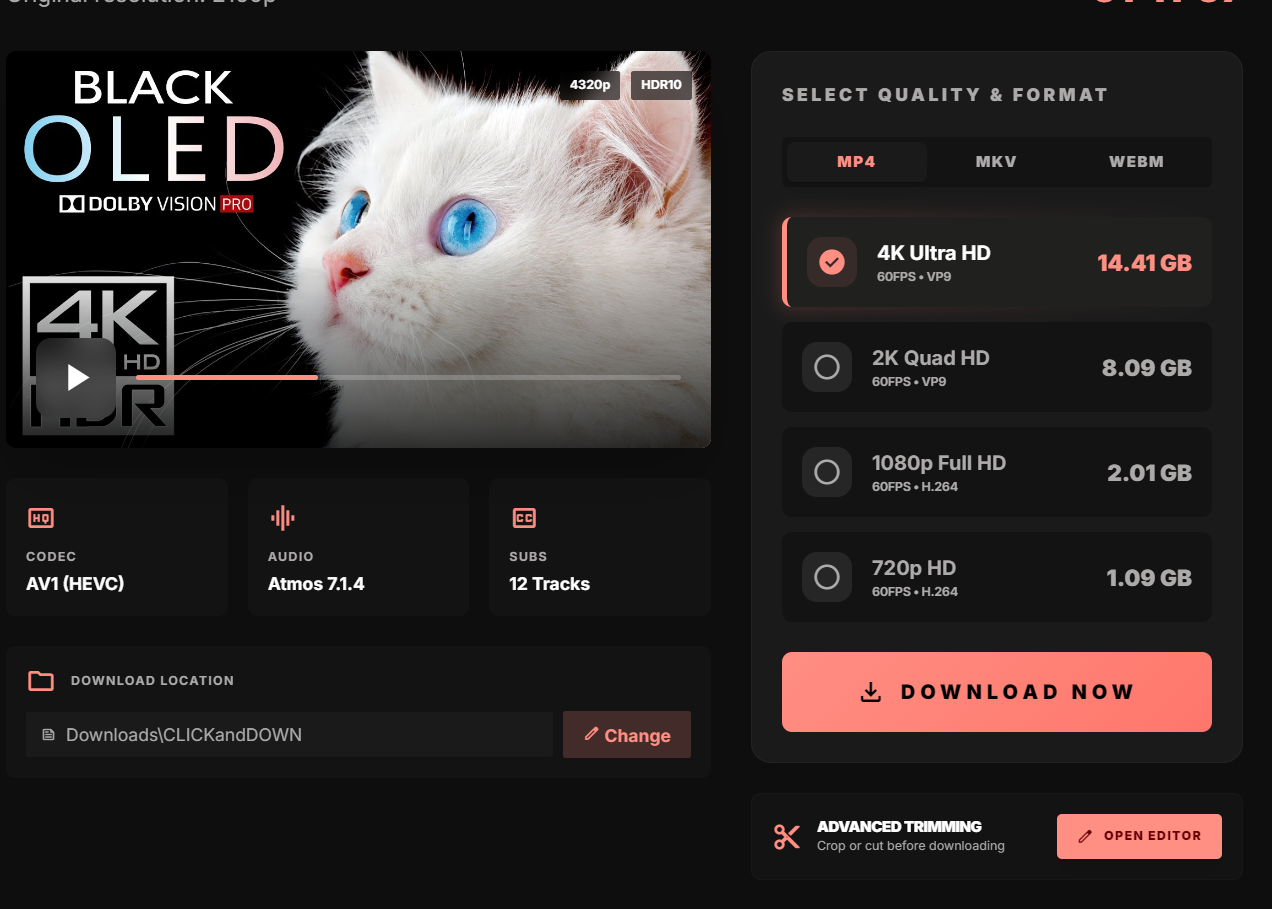
How to download YouTube videos
- 1
Copy the YouTube link
Open YouTube, tap Share, and copy the video URL.
- 2
Paste it into CLICKandDOWN
Paste the link into the download box and click Download.
- 3
Pick a quality
Choose your resolution - up to 720p in the browser, or 4K/8K with the free app.
- 4
Save the file
The MP4 downloads straight to your computer. Done.
Frequently asked questions
Is the YouTube downloader free?
Yes. You get 20 free downloads with a free account. Browser downloads go up to 720p; the desktop app unlocks 4K/8K and unlimited downloads.
Can I download YouTube videos in 4K?
Yes - 4K and 8K downloads are available in the free CLICKandDOWN desktop app.
Do I need to install anything?
No. You can download right in your browser. Install the app only for maximum quality, batch downloads, or MP3 audio.
Can I convert YouTube videos to MP3?
Yes, audio (MP3) extraction is available in the CLICKandDOWN desktop app.
Ready to download from YouTube?
Free, fast, and secure. Sign up and start in seconds.
Get Started Free