Every app, one place.
Three different products, three different jobs. Pick the one you need below — each one's free to install, some need a license to unlock everything.
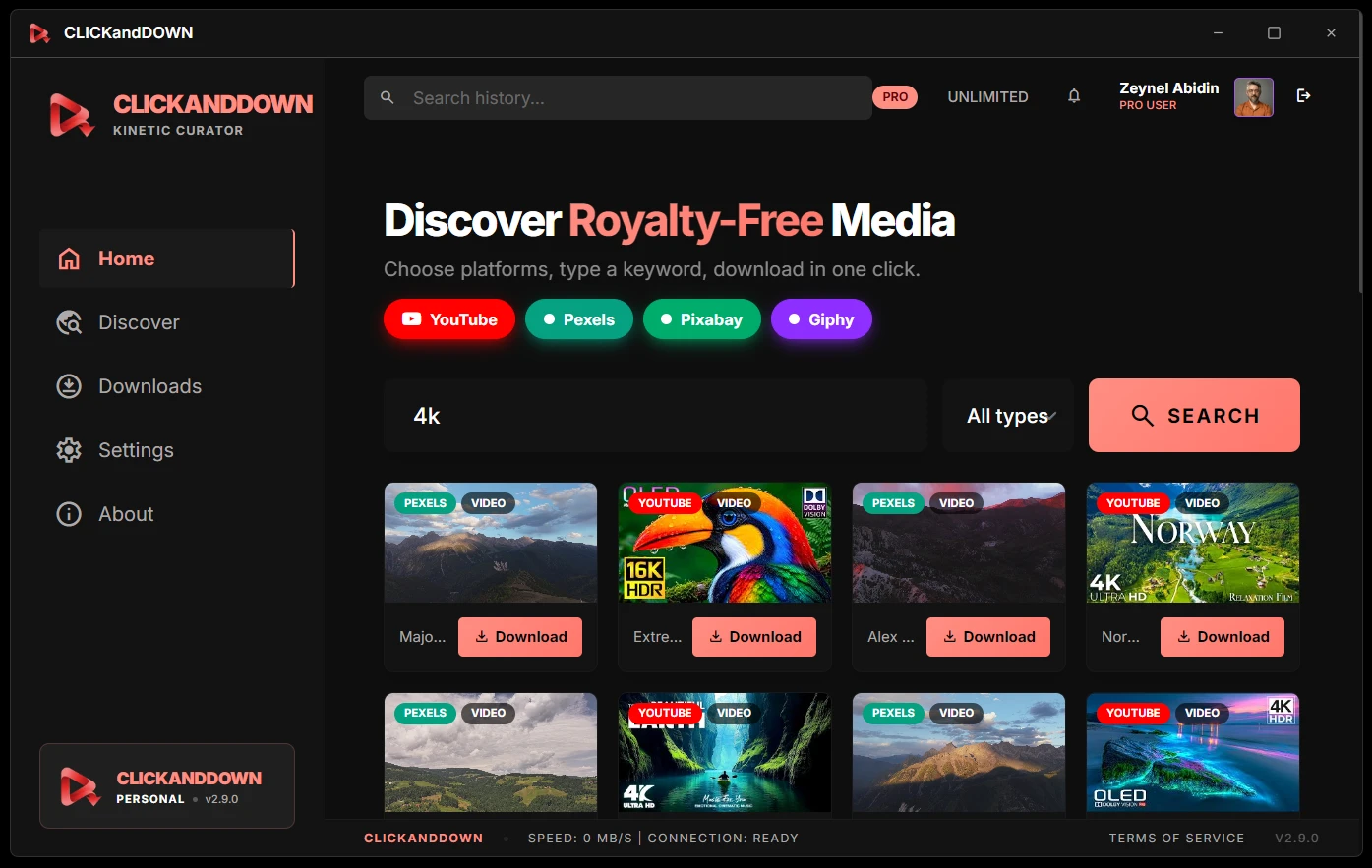

ClickandDown
4K video downloader for YouTube, Instagram, TikTok and 100+ sites. 20 free downloads, then a license.
Product page →Windows Installer
64-bit · recommended · ~223 MB
Windows Portable
No install · run anywhere · ~223 MB
macOS Apple Silicon
M1–M4 · ~152 MB
macOS Intel
Pre-2020 Macs · ~180 MB
Android
APK · sideload · ~2 MB
First launch on macOS: you'll see "Apple could not verify…". Click Done — never "Move to Trash" — then go to System Settings → Privacy & Security, scroll down and press Open Anyway. One time only. Windows: SmartScreen → More info → Run anyway.
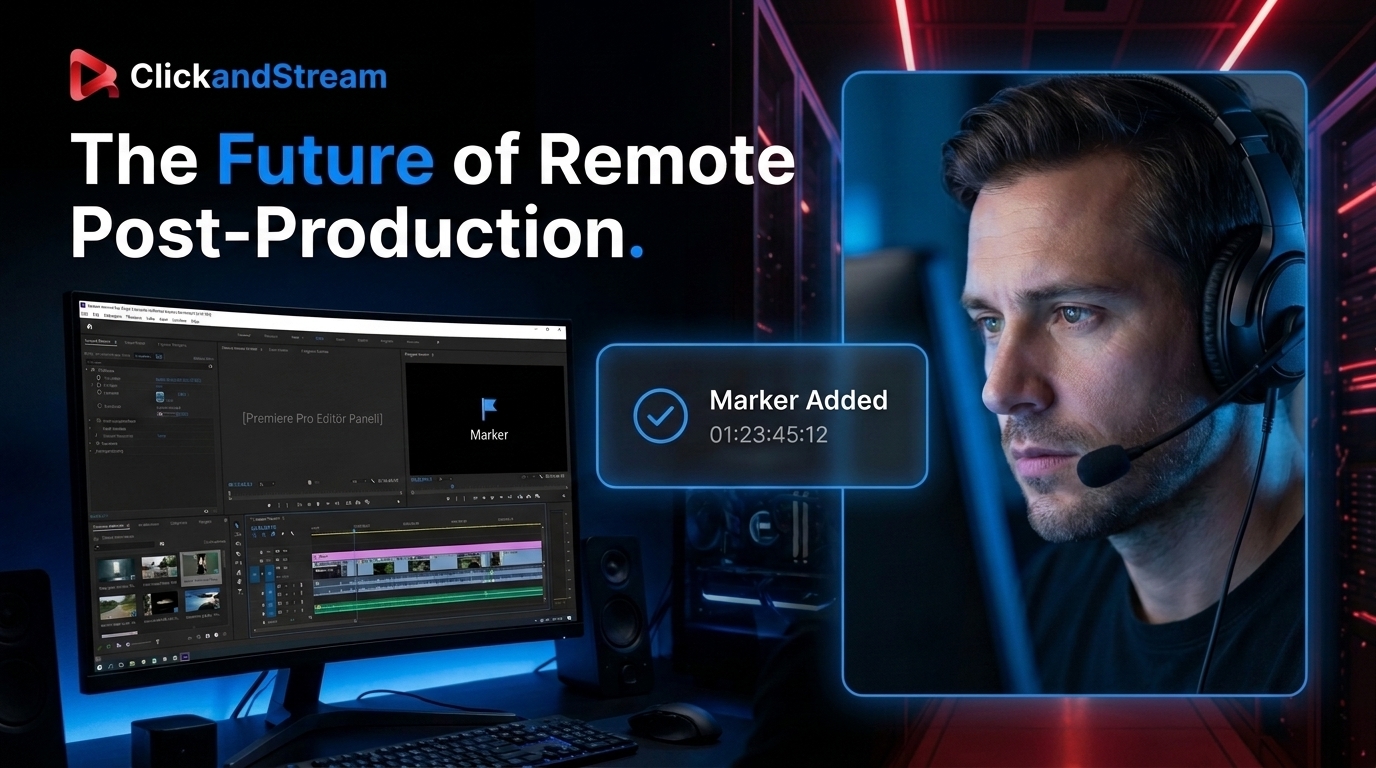
ClickandStream
Live Premiere Pro review. Two apps: the editor hosts a session, guests join to watch and leave notes — download the one that matches your role.
Product page →Editor — you host the session
Windows
Installs the Premiere Pro panel
macOS Beta
Apple Silicon · M1–M4
macOS Beta
Intel · pre-2020 Macs
Guest — you were invited
Windows
Free · no account
macOS Beta
Apple Silicon · M1–M4
macOS Beta
Intel · pre-2020 Macs
Don't want to install anything? Guests can join straight from the browser using the invite link — the app is only for better performance and camera support.
Premiere Pro panel — separate install
extensionClickandStream Panel .ccx
Adobe Premiere Pro 25.6+ · already included with the Editor install
The panel is the control surface — it needs the Editor app running to host a session.
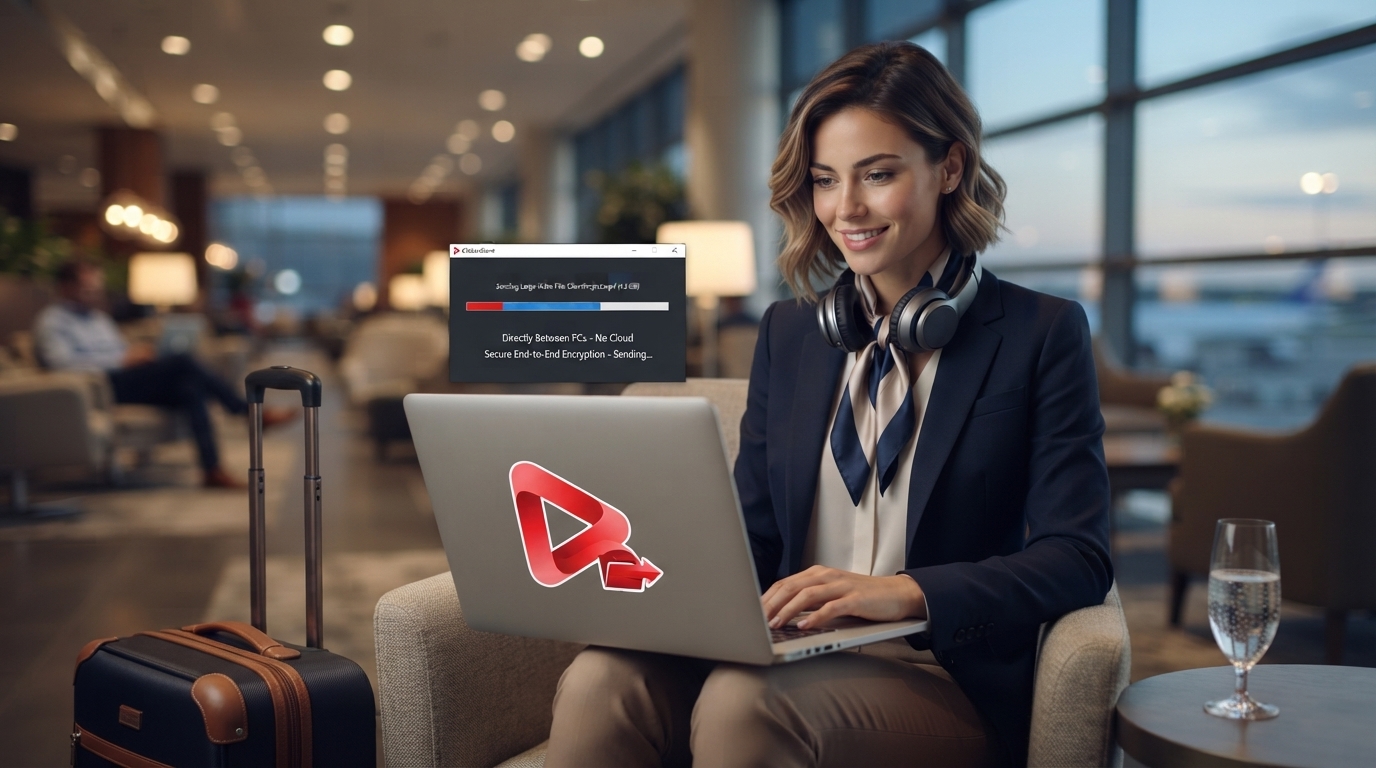

ClickandSend
Direct file transfer, computer to computer — no server in between, no size limit.
Product page →Windows Portable
No install · run anywhere · 20 free transfers
macOS Apple Silicon Beta
M1–M4 · send between Mac and Windows
Adobe Premiere Pro panel — separate install
movieClickandSend Panel .ccx
Adobe Premiere Pro 25.6+ · what you receive lands in a bin or a sequence
Double-click the file to install, then restart Premiere Pro and open Window › Extensions › ClickandSend. The desktop app has to be running — that is what receives the files.
Sending from a phone? Nothing to install.
Start receiving in the desktop app and it shows a QR code. Scan it with your phone's camera and send straight from the browser — iPhone and Android alike. The page and the files come from your computer over the local network, so nothing is uploaded to any server. Not on the same Wi-Fi? The app can open a temporary remote link instead — it says plainly that those files travel through Cloudflare rather than straight to your machine.
Verify what you downloaded
Every file below is listed with its exact size and SHA-256 checksum, taken from the build we published. If the file on your disk produces the same value, it is byte-for-byte what left our machine. If it does not, do not run it — tell us instead.
| File | Size | SHA-256 |
|---|---|---|
| CLICKandDOWN-Setup-2.9.2.exe | 224.5 MB | 200a8fc40740a5a03c7de8ab3fc151f9b7417f1d1bf7f4eebda7c7a200e82e67 |
| CLICKandDOWN-Portable-2.9.2.exe | 224.2 MB | 183882d01af281514b68ec6b89afe8180a968480a7b8ede1597a345f08a3dd7c |
| ClickandSend.exe | 51.9 MB | 7ff5d0c0243ced4de128a80d20acc69c17780b906a9bf6d8f9cc650c5c79e010 |
| ClickandStream-Editor-Setup.exe | 82.1 MB | 91967355050236b0687b518a99cbf996f477e380d456ef3a4546836b715ba2d7 |
| ClickandStream-Guest-Setup.exe | 77.5 MB | b8fae41e57543f7a2321ab88103877a66113cfd61e4b73f32a3c17744d55dac7 |
How to check it yourself
Windows — open PowerShell in your Downloads folder and run:
Get-FileHash .\CLICKandDOWN-Setup-2.9.2.exe -Algorithm SHA256macOS — in Terminal:
shasum -a 256 ~/Downloads/CLICKandDOWN-2.9.1-mac-arm64.dmgmacOS and Android checksums are published here as soon as each build is uploaded; they are not listed above until then, because a checksum we have not measured ourselves would be worthless.
First launch — one-time step
macOS — if you see "Apple could not verify…": click Done (never "Move to Trash"), then open System Settings → Privacy & Security, scroll down and click Open Anyway. You only do this once.
Windows — if SmartScreen appears, click More info → Run anyway.
Android — allow install from unknown sources when prompted.
These warnings appear because the apps aren't code-signed yet — not because anything is wrong with them.